404-FXpro AudioWaveNew

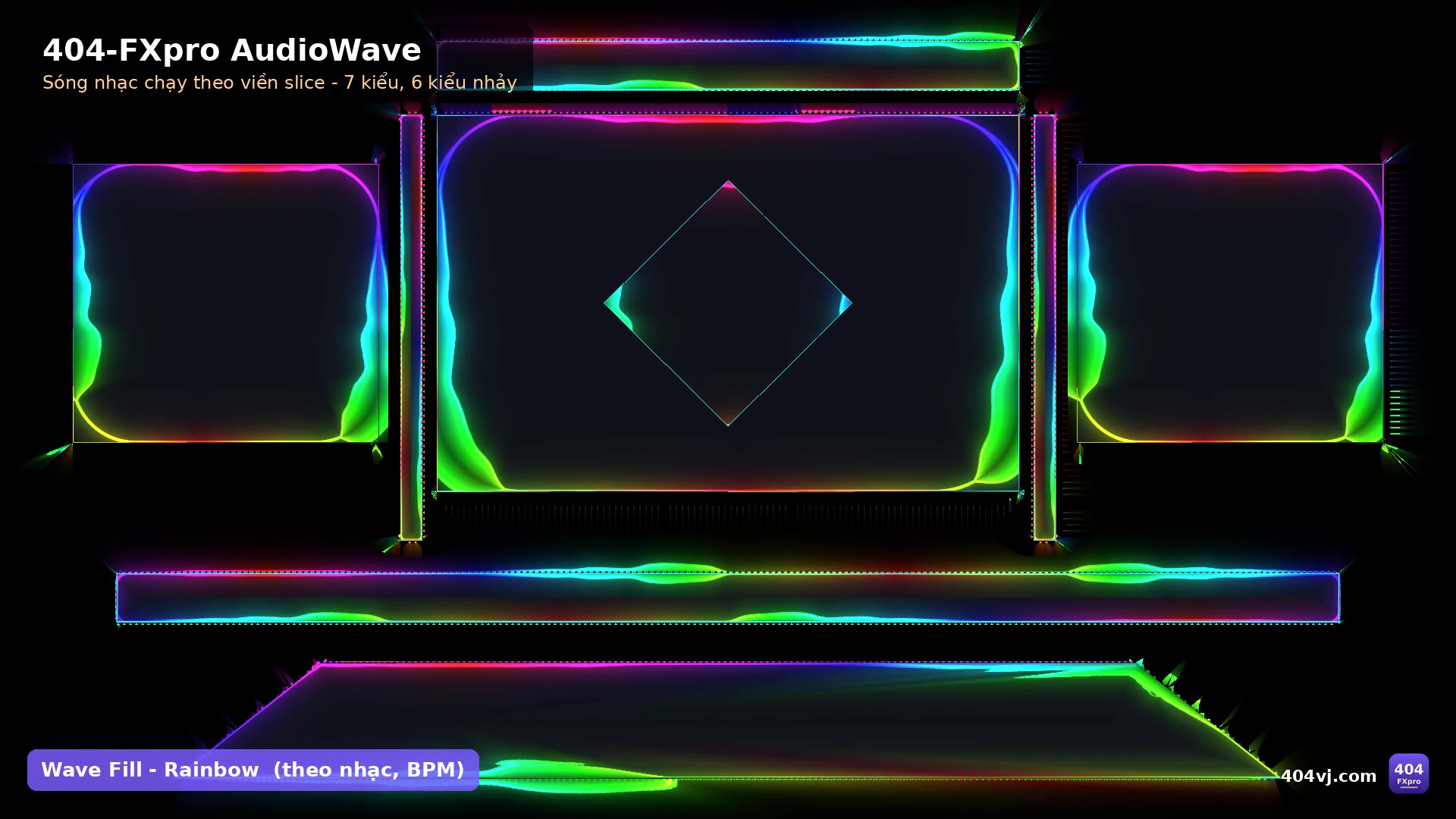
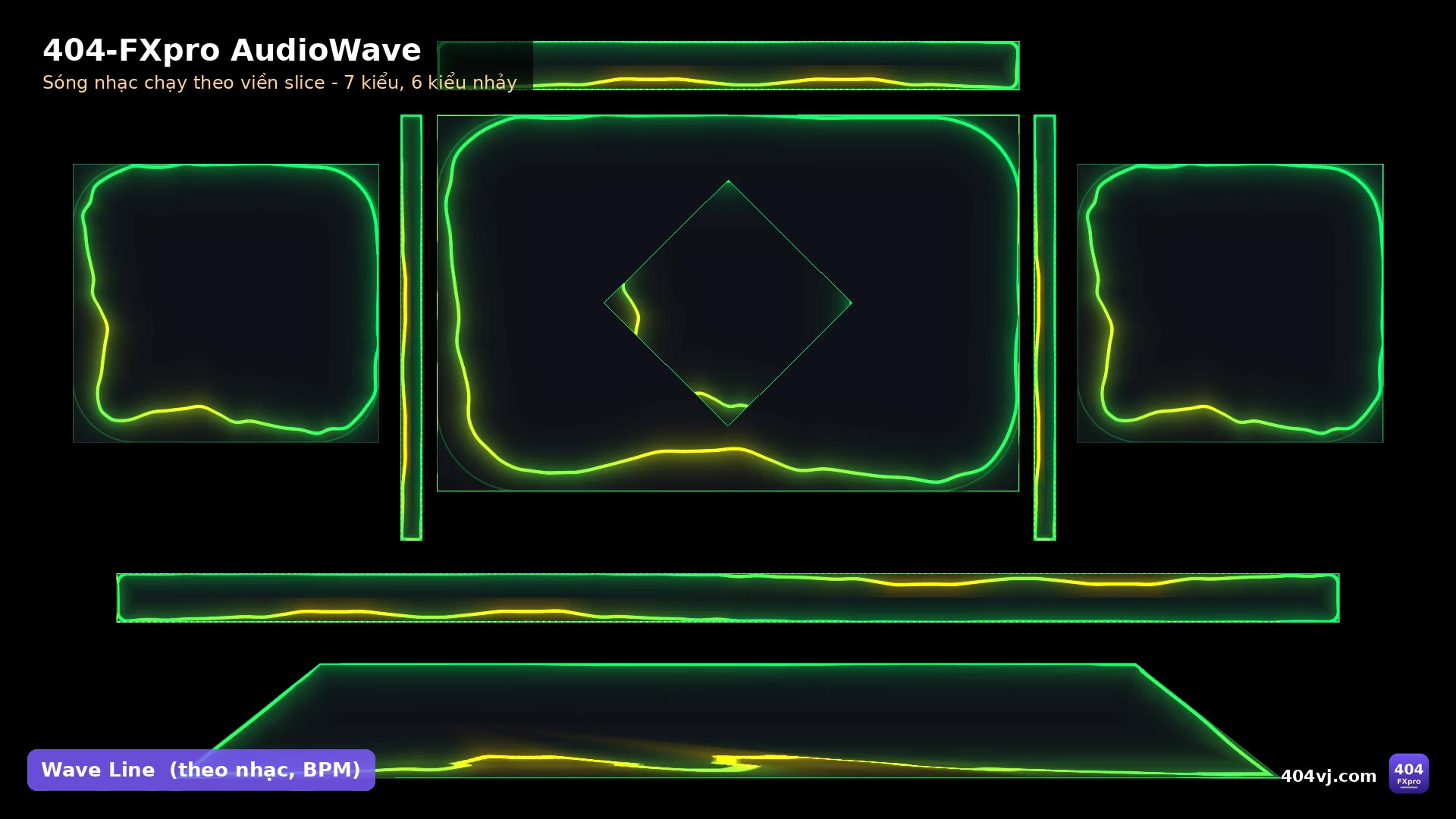
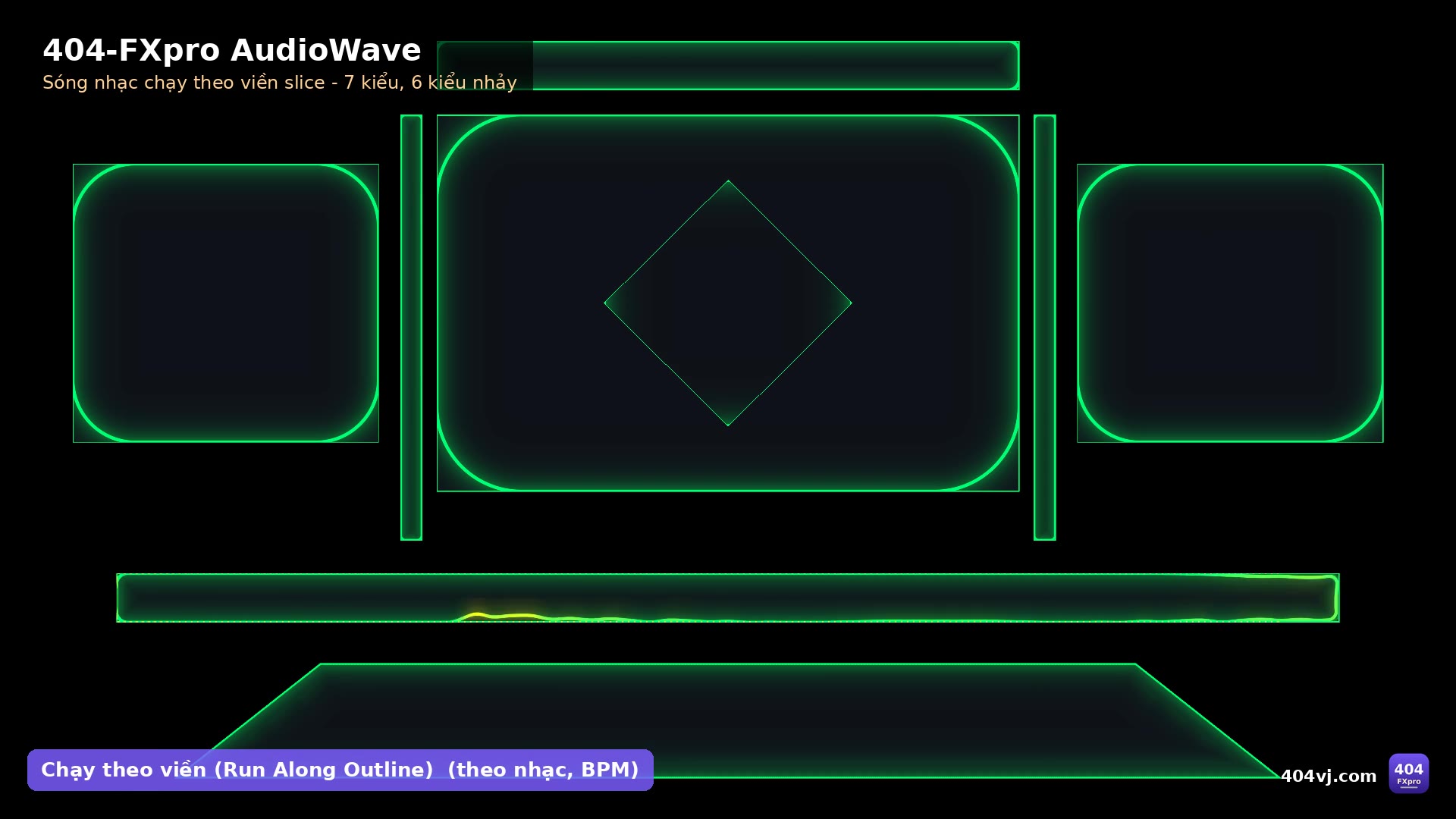
Music waves running along your slice outlines: 7 styles, 6 jump modes, BPM sync, SHOW / FLASH buttons.
404-FXpro AudioWave draws Resolume's audio spectrum along the outline of every slice: the same wave height on big and small slices, smooth corners, one continuous line around the edges. Auto Gain keeps it looking right whether the music is loud or quiet.
A Wire effect that follows the exact slice shapes of your Advanced Output: rectangles, polygons, masks, overlapping slices. Drag slices (or a whole Screen) from the Slices panel onto "Slices In" and it runs along the outlines of your LED screens, stage or mapping. Slice outlines are computed at low resolution and cached, so it stays smooth on 9000×2250 up to 16000×6000 comps, and every motion runs on its own clock so it can run all day without drift.
Every 404-FXpro effect is sold on its own with its own key: one key works on one computer. The Demo edition (and the full edition before a key is entered) has every feature but shows a TRIAL watermark.
$15
One key for 1 computer. Switching computers: release the key on the old one (in the software or on your Account page), then enter it on the new one. One Gmail can buy several keys for several computers. Updates are free: download them with the Gmail you bought the key with.

Features
- 7 styles: Wave Line, Wave Fill, LED Bars, Solid Bars, LED Dots, Pulse Glow, Comet Chase
- 6 jump modes: all together, one by one, run along the outline, staggered, symmetric, run all together
- Inward / Outward / Both; BPM sync or free
- SHOW button (appear, run, fade out) and FLASH button
- 8 colour modes (Gradient, Rainbow, Classic LED, Per Slice, Fire, Ice…), peaks, glow
- 1 key = 1 computer, bought with your Gmail on 404vj.com; one Gmail can buy several keys for several computers
- Move to another computer: press "Remove this computer" in the 404-FXpro License app (or remove it on your Account page), then activate the new one
- Shows run offline: Internet is only needed to activate and for a re-check at most every 14 days
- Built for long shows: steady FPS all day, the key check costs almost no GPU, comps up to 16000×6000
System requirements
- Resolume Arena / Avenue 7.28 or newer (Wire effects need a Resolume at least as new as the one they were compiled with)
- macOS 11+ (Apple Silicon or Intel) or Windows 10/11 64-bit
- GPU with OpenGL 4.1
- The Wire effect receives the key over OSC: OSC Input must be on in Resolume (Preferences → OSC); the installer and the 404-FXpro License app switch it on for you
- Internet once to activate the key; the Demo edition always shows a TRIAL watermark
Latest version
Version 2.3.0 for Windows and macOS, released 25/10/2026.
Go to downloadsVersion history
Go to downloads-
v2.3.0Latest25/10/2026 · Windows, macOS
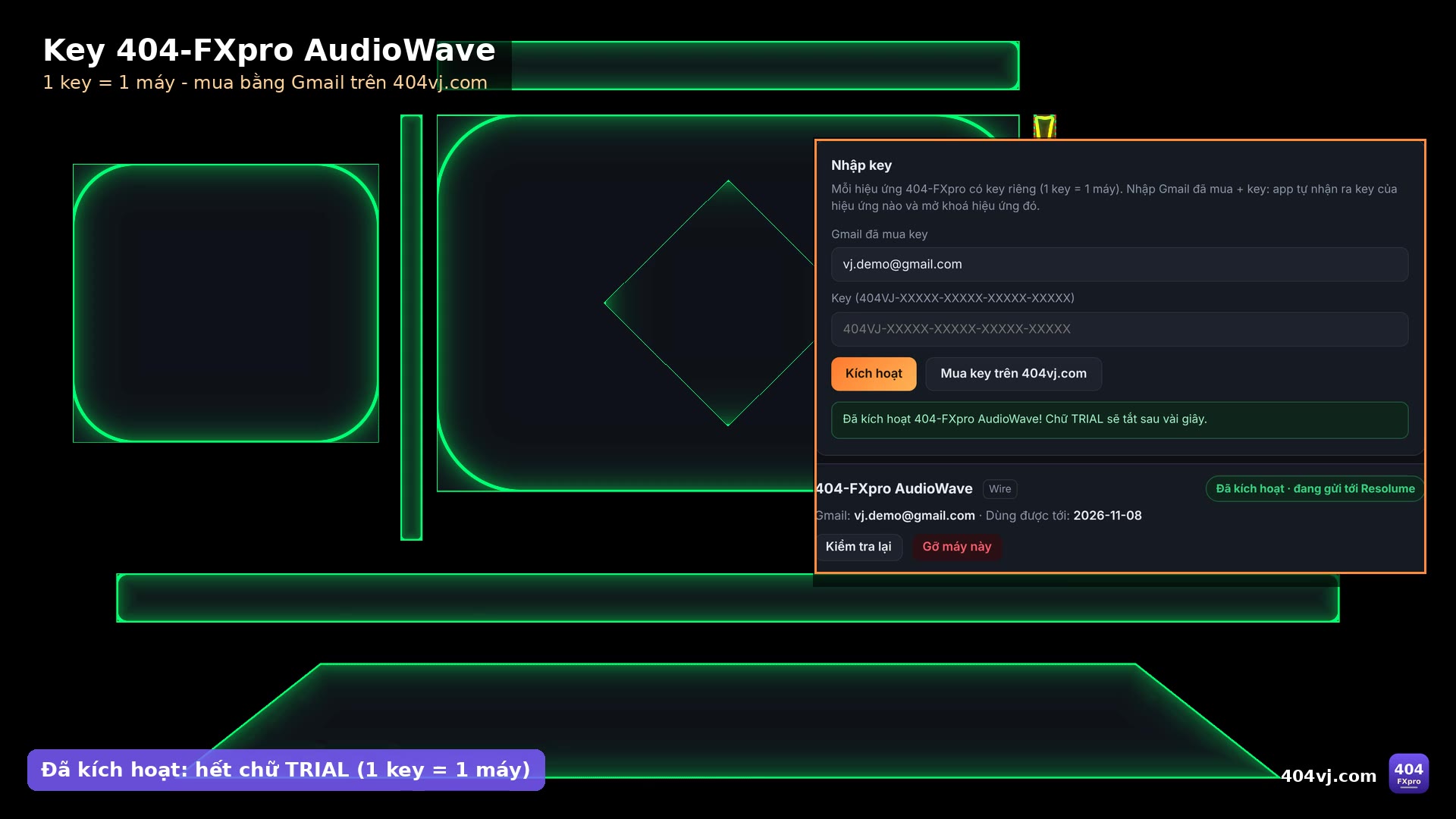
- Bản đầy đủ 404-FXpro AudioWave 2.3.0 (hiệu ứng Wire bám viền slice) + app 404-FXpro License. Cài 1 click: Mac "Cai dat 404-FXpro AudioWave (Mac).command", Windows "Cai dat 404-FXpro AudioWave (Windows).bat" (tắt Resolume trước; bộ cài tự bật OSC Input của Resolume để hiệu ứng Wire nhận key). Mở trang 404-FXpro License, nhập Gmail + key 404-FXpro AudioWave mua trên 404vj.com → Kích hoạt, chữ TRIAL tắt sau vài giây. 1 key = 1 máy, kích hoạt online 1 lần rồi diễn offline. Đổi máy: "Gỡ máy này" trong app hoặc Gỡ máy trong trang Tài khoản. Cần Resolume Arena/Avenue 7.28+.
- Full version of 404-FXpro AudioWave 2.3.0 (Wire effect that follows your slices) + the 404-FXpro License app. One-click install (quit Resolume first; the installer switches Resolume OSC Input on so the Wire effect gets the key). Open the 404-FXpro License page, enter your Gmail + your 404-FXpro AudioWave key from 404vj.com, press Activate: the TRIAL watermark goes away within seconds. 1 key = 1 computer; activate online once, then shows run offline. Moving computers: "Remove this computer" in the app, or Remove on your Account page. Requires Resolume Arena/Avenue 7.28+.