404 FXpro Element TracerNew

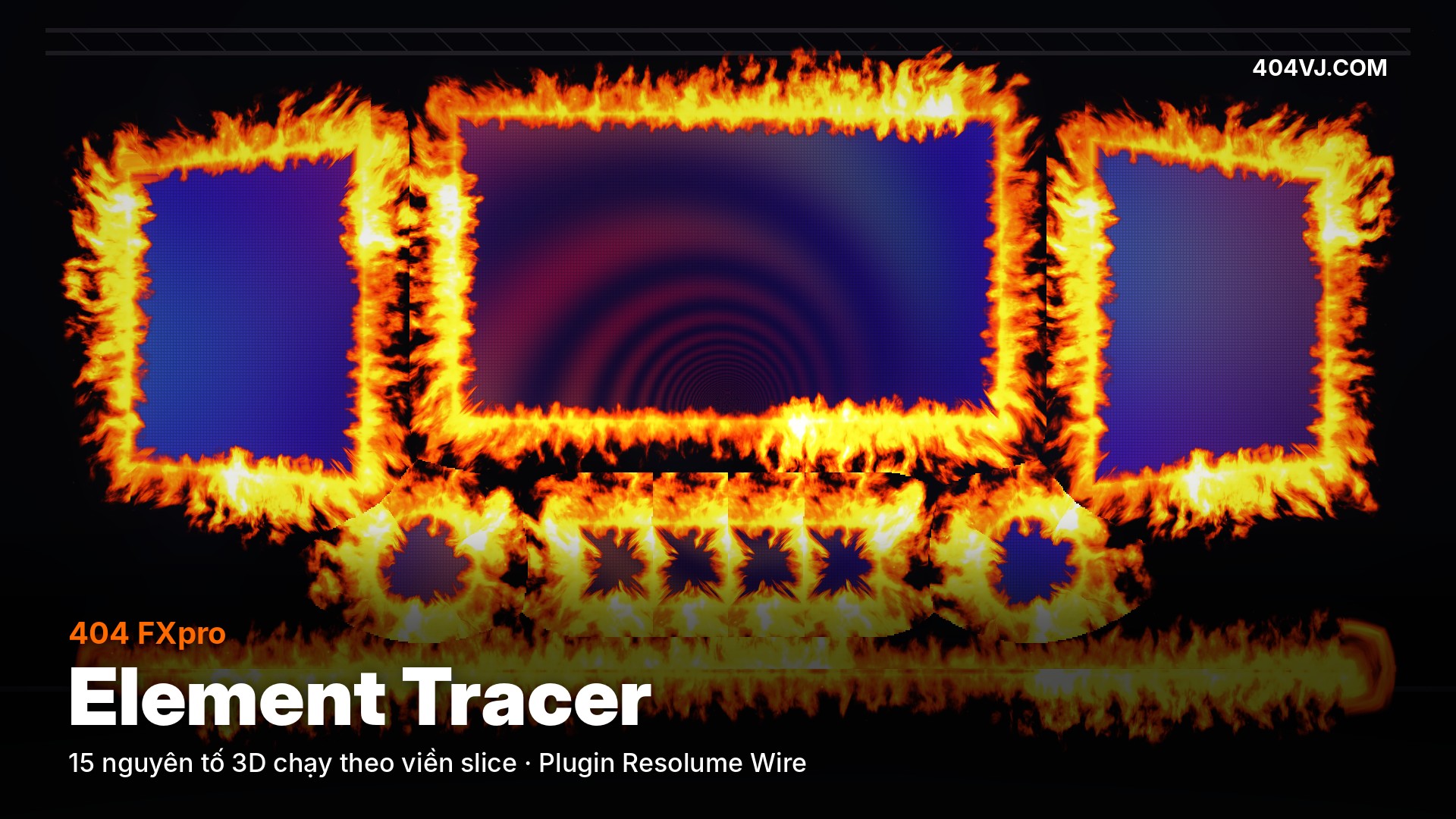
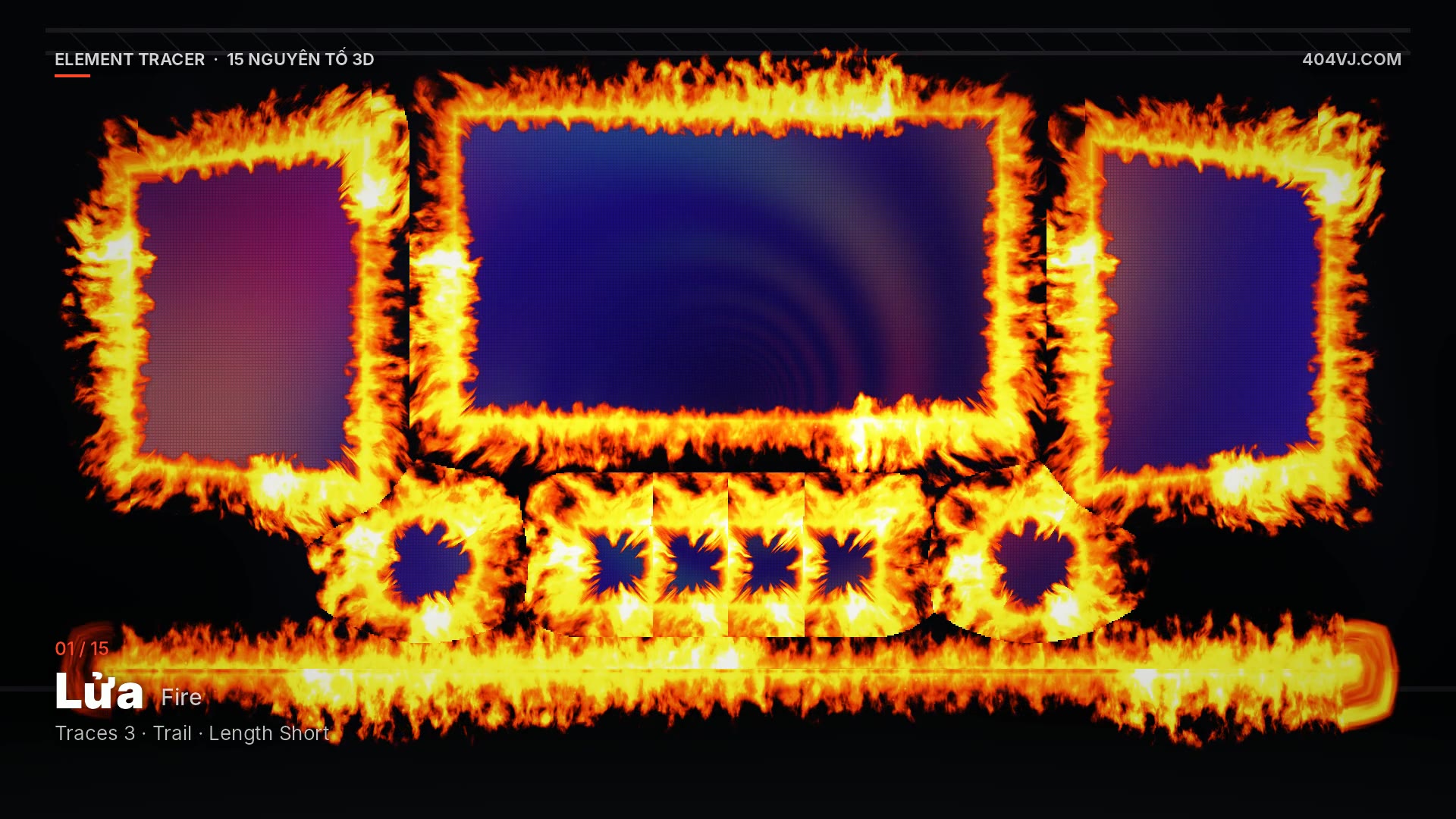
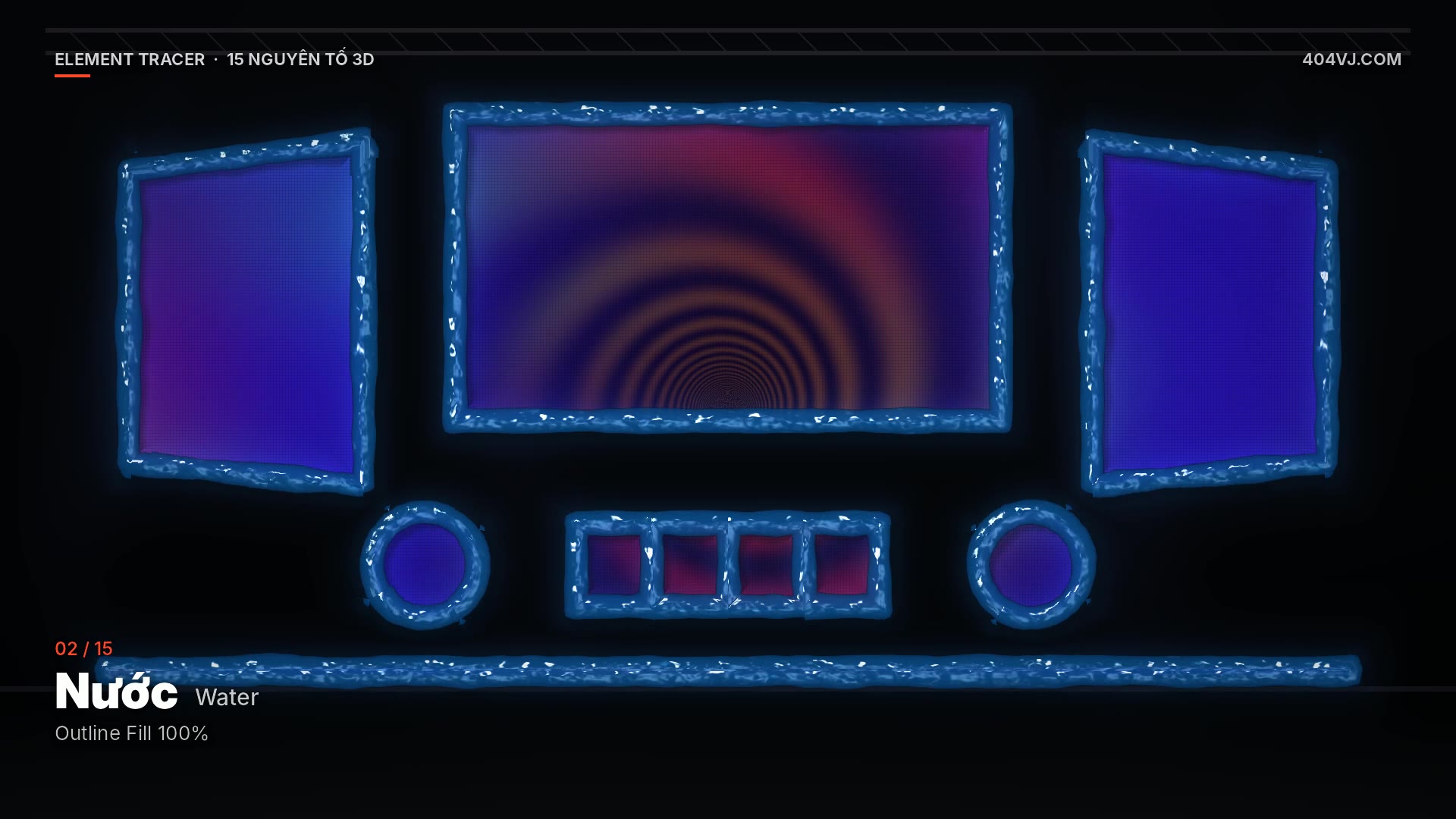
15 3D elements (fire, water, thunder, neon, gold…) running along your LED slice outlines in Resolume — drag & drop slices.
404 FXpro Element Tracer is a Resolume Wire Source for Arena / Avenue: drag slices from Advanced Output into the Slices drop zone and solid 3D elements with light and shadow run exactly along every slice outline — fire, water, rock, smoke, light particles, leaves, thunder, metal, gold, ice, lava, neon, plasma, galaxy, or your own clip.
It outputs alpha, so put the layer above any clip. To apply it directly on a clip use 404 FXpro Element Tracer FX; for outlines around a logo or text use 404 FXpro Element Outline.
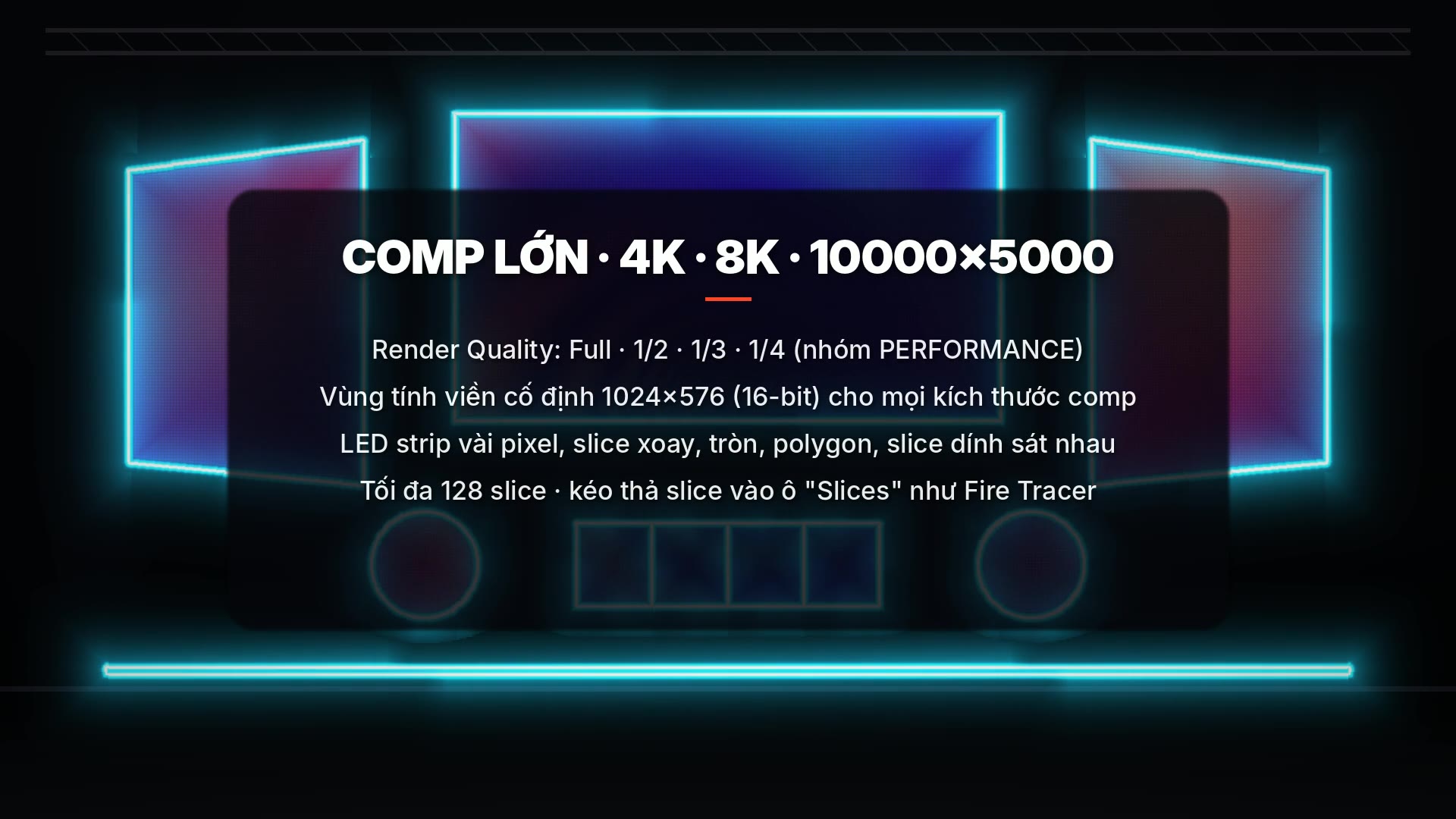
Built for LED shows: 100% GPU shaders inside Wire (no native code, nothing that can crash Arena) and a wrap-free internal clock for days of continuous running. Big comps (4K, 8K, 10000×5000): Render Quality Full / 1/2 / 1/3 / 1/4 inside the plugin, and a fixed-size slice edge field that keeps VRAM low.
Buy a key on 404vj.com with your Gmail. One key runs on one computer: activate it once online in the 404VJ License app (included in the installer), then shows run offline. To move it, press Release in 404VJ License or remove the computer in your account, then activate the new one. One Gmail can buy several keys. The free demo has every feature with a TRIAL watermark.
$15
One key for 1 computer. Switching computers: release the key on the old one (in the software or on your Account page), then enter it on the new one. One Gmail can buy several keys for several computers. Updates are free: download them with the Gmail you bought the key with.
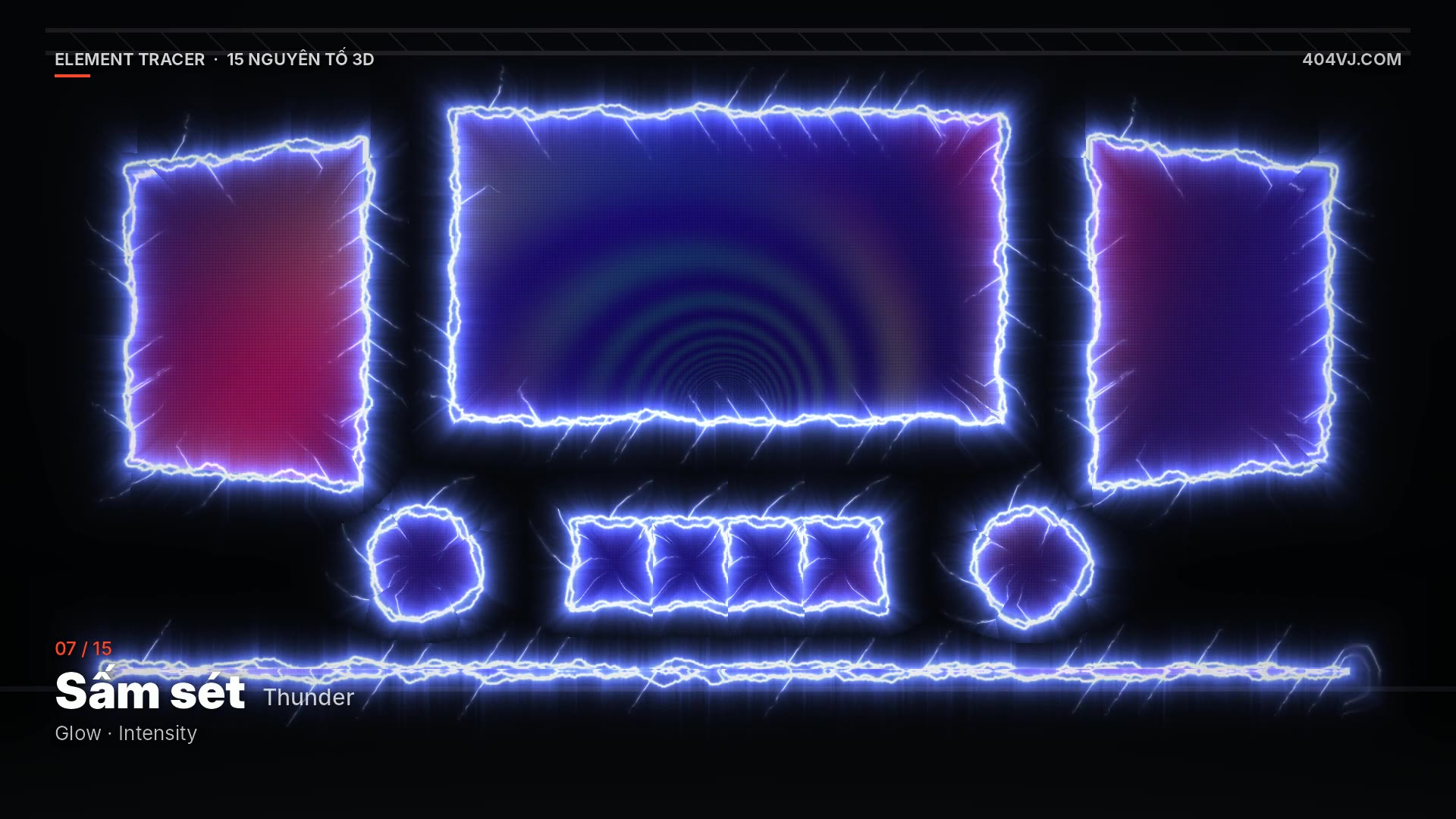
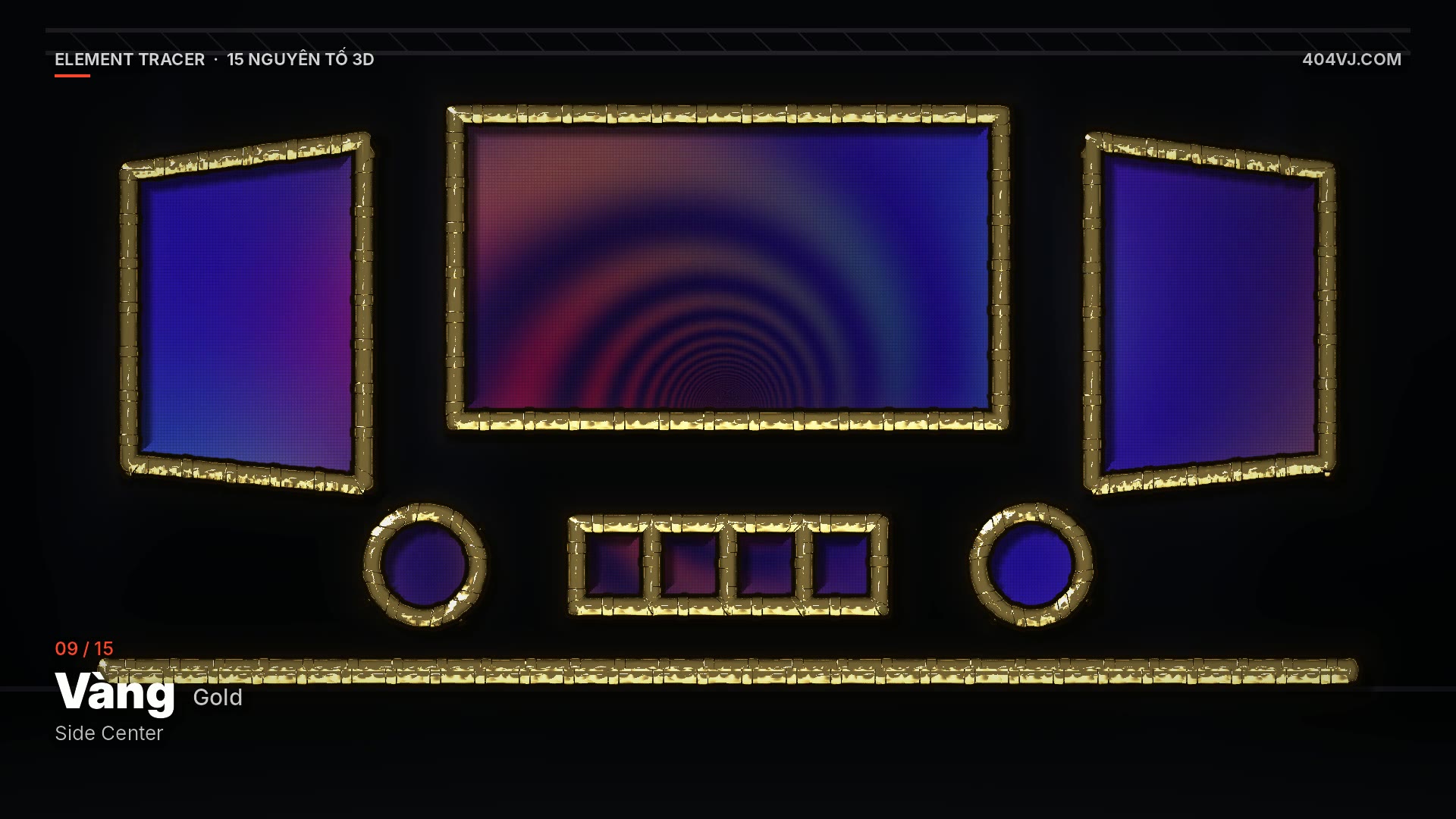
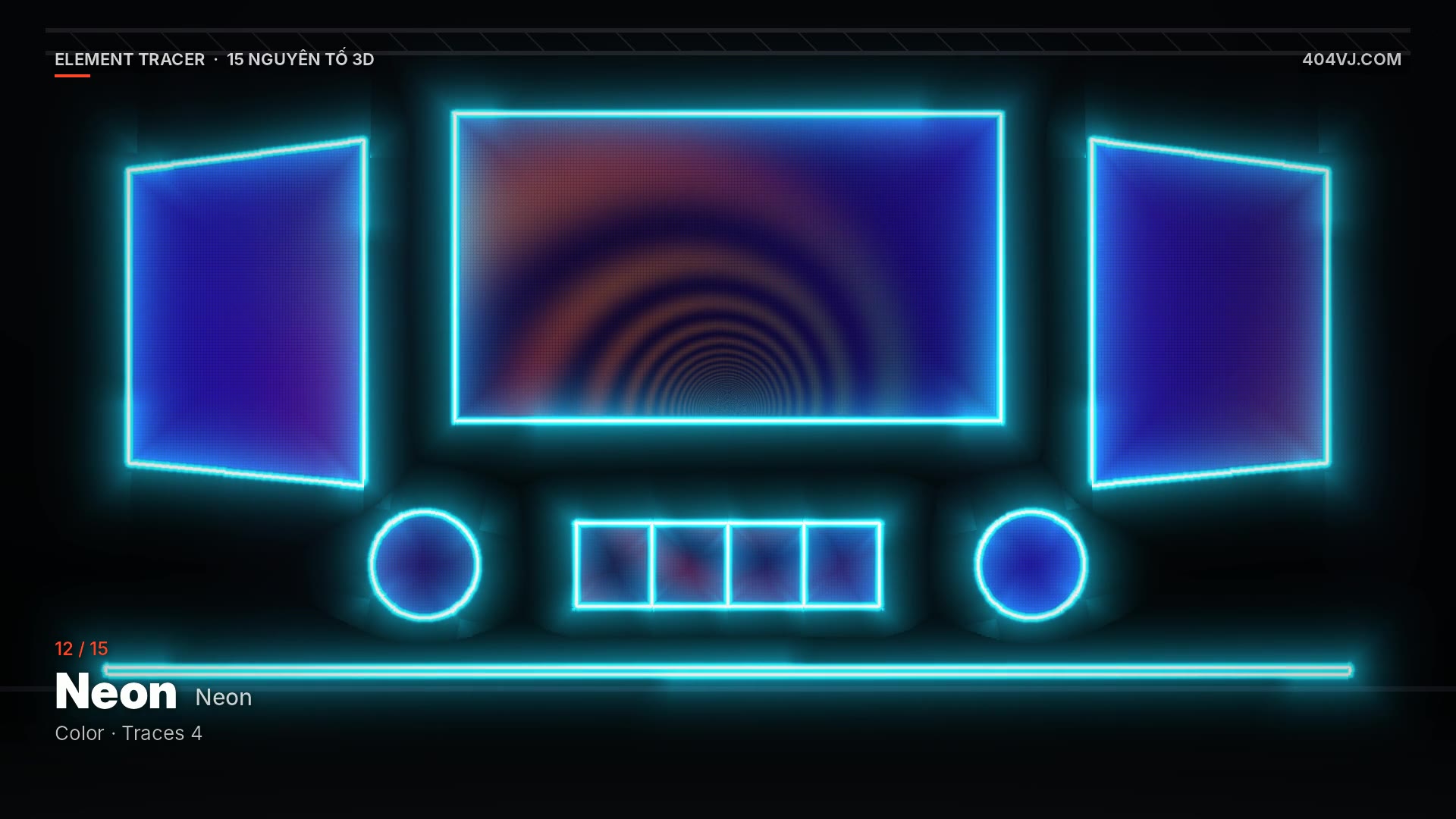
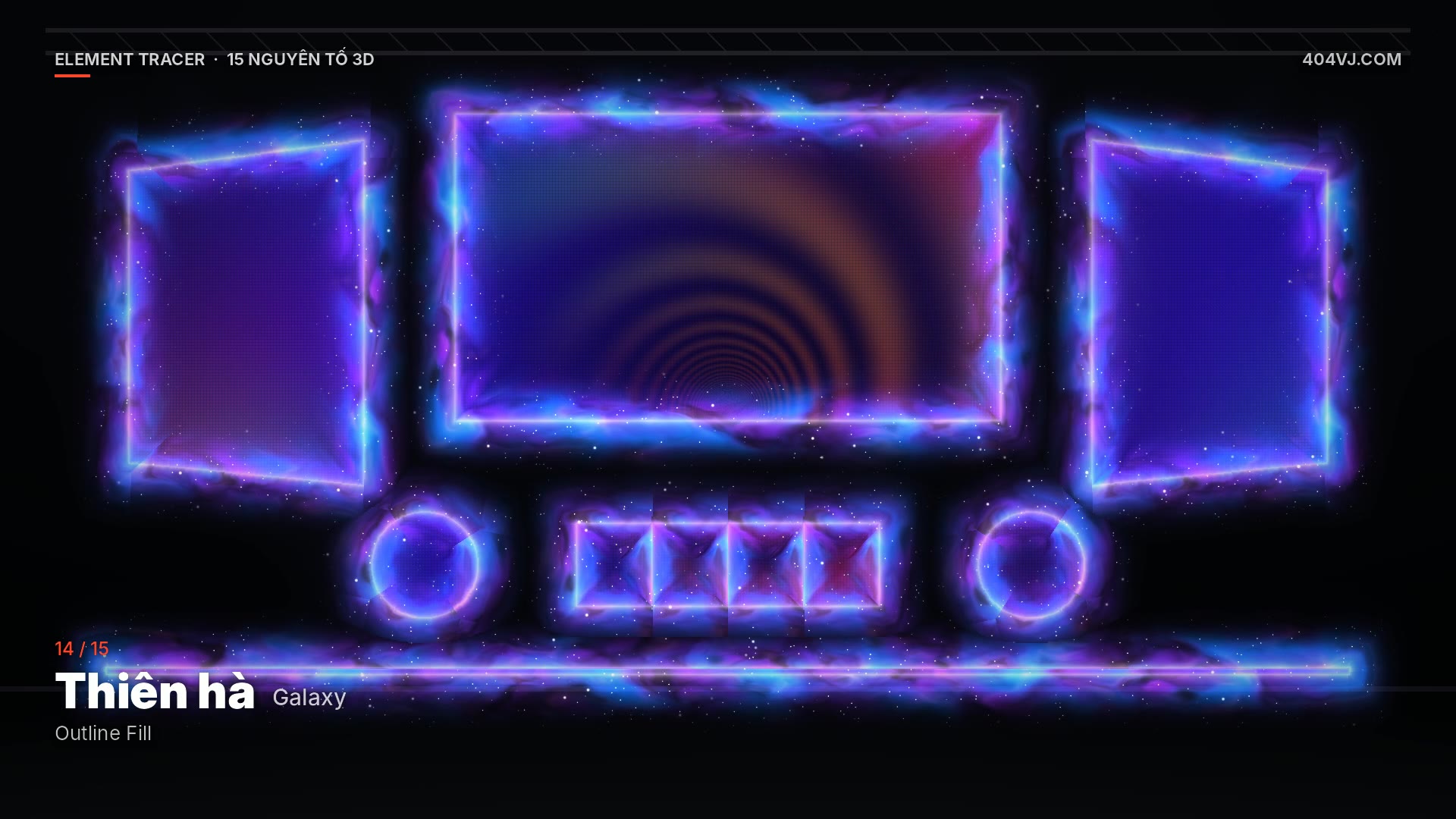
Features
- 15 solid 3D elements with light and shadow: Fire, Water, Rock, Smoke, Light Particles, Wood & Leaves, Thunder, Metal (chrome), Gold, Ice, Lava, Neon, Plasma, Galaxy, Visual (your clip)
- Drag slices from Advanced Output into the Slices drop zone (like Fire Tracer), up to 128 slices
- Exact outlines for every slice: rectangles, rotated, round, polygons, masks, touching slices, LED strips a few pixels wide
- Traces, Trace Speed, CW / CCW / Ping-Pong, Trail, Outline Fill
- Thickness, Length, Side (center / outside / inside), Round Corners, Detail Scale
- 3D Depth, Light Angle, Glow, Intensity, element colour tint (e.g. blue fire)
- BPM Sync, Beats / Lap, Slice Delay + Sequence (one slice after another)
- Feedback trails Off / Short / Mid / Long
- Render Quality Full / 1/2 / 1/3 / 1/4 for big comps
- Source plugin with alpha output
- Free demo with every feature (TRIAL watermark) · FULL: Gmail key, 1 key = 1 computer
System requirements
- Resolume Arena or Avenue 7.25 or newer — runs on every version from 7.25 up to 7.28 and later (tested on Arena 7.28)
- Slices in Advanced Output (drag slices into the plugin's Slices drop zone)
- macOS (Apple Silicon or Intel) or Windows 10/11 64-bit, meeting the requirements of your Resolume version
- GPU with OpenGL 4.1 or newer
- OSC Input enabled in Arena / Avenue (the 404VJ License app unlocks the plugin over OSC)
- Internet once to activate the key; the demo always shows TRIAL
Latest version
Version 1.3.0 for macOS and Windows, released 25/10/2026.
Go to downloadsVersion history
Go to downloads-
v1.3.0Latest25/10/2026 · macOS, Windows
- Bản FULL 1.3.0 — cần key mua trên 404vj.com (Gmail, 1 key = 1 máy).
- • macOS: giải nén zip → double-click "Install … .command" (lần đầu macOS chặn: chuột phải → Open → Open).
- • Windows: chạy "… Windows Setup.exe" (SmartScreen: More info → Run anyway).
- Bộ cài chép plugin vào thư mục patch của Resolume (macOS: /Users/Shared/Resolume Wire/Patches · Windows: C:\Users\Public\Documents\Resolume Wire\Patches) và cài app 404VJ License (tự chạy khi mở máy).
- Kích hoạt: trang 404VJ License (http://127.0.0.1:47404) → nhập Gmail đã mua + key 404VJ-… → Kích hoạt. Trong Arena/Avenue bật Preferences → OSC → OSC Input. Cần Internet 1 lần, diễn show không cần mạng.
- Đổi máy: bấm "Gỡ máy này" trong 404VJ License (hoặc Gỡ máy ở trang Tài khoản) rồi kích hoạt máy mới.
- Comp lớn: nhóm PERFORMANCE → Render Quality 1/2 – 1/3.
- EN — FULL 1.3.0, needs a 404vj.com key (Gmail, 1 key = 1 computer).
- • macOS: unzip → double-click "Install … .command" (first time: right-click → Open). • Windows: run "… Windows Setup.exe".
- The installer copies the plugin into Resolume's patch folder and installs the 404VJ License app (starts at login). Open it (http://127.0.0.1:47404), enter your Gmail + 404VJ-… key, press Activate, and enable OSC Input in Arena/Avenue (Preferences → OSC). Internet is needed once; shows run offline. To move the key: Release it in 404VJ License (or remove the computer in your account), then activate the new computer.