404 Logo 3DNew
Turn a PNG logo, text or a Blender / C4D file into a metal, glass or neon 3D logo like a C4D render — live in Resolume.
404 Logo 3D turns your logo into a 3D logo that looks like a Cinema 4D / Blender render — but it runs in real time inside Resolume Arena / Avenue, so colours, materials, lights and motion change instantly, in sync with the music.
Drop the 404 Logo 3D effect on a PNG logo clip (transparent, or white on black) and it becomes true 3D: thickness, bevels, environment reflections, light sweeps and glints. Type 3D text (Vietnamese accents included) or open Blender, Cinema 4D, FBX, glTF, OBJ, STL… files directly (48 formats). The 404 Model 3D source (Sources tab) builds 3D text or models without a clip.
20 ready-made looks (Chrome Studio, Gold Luxury, Vice Blue, Red Inferno, Purple Neon, Ice Crystal, Holo Rainbow, Lava Rock, Black Gold…), 38 PBR materials for the face, bevel and sides, 11 lighting environments and 16 BPM-synced motions.
Clean, undistorted 3D: the camera always faces the logo, so a logo at the edge of a 9000×2250 or 16000×6000 composition keeps its true proportions (measured deviation from the source under 0.1%).
Light and stable: a still logo renders once and is reused, identical copies share one render, big comps render only the logo's area, and 3D files load in the background so Resolume never stalls. Free full-featured DEMO (TRIAL watermark). One Gmail key = one computer, works offline for 14 days.
$39
One key for 1 computer. Switching computers: release the key on the old one (in the software or on your Account page), then enter it on the new one. One Gmail can buy several keys for several computers. Updates are free: download them with the Gmail you bought the key with.
Gallery 06
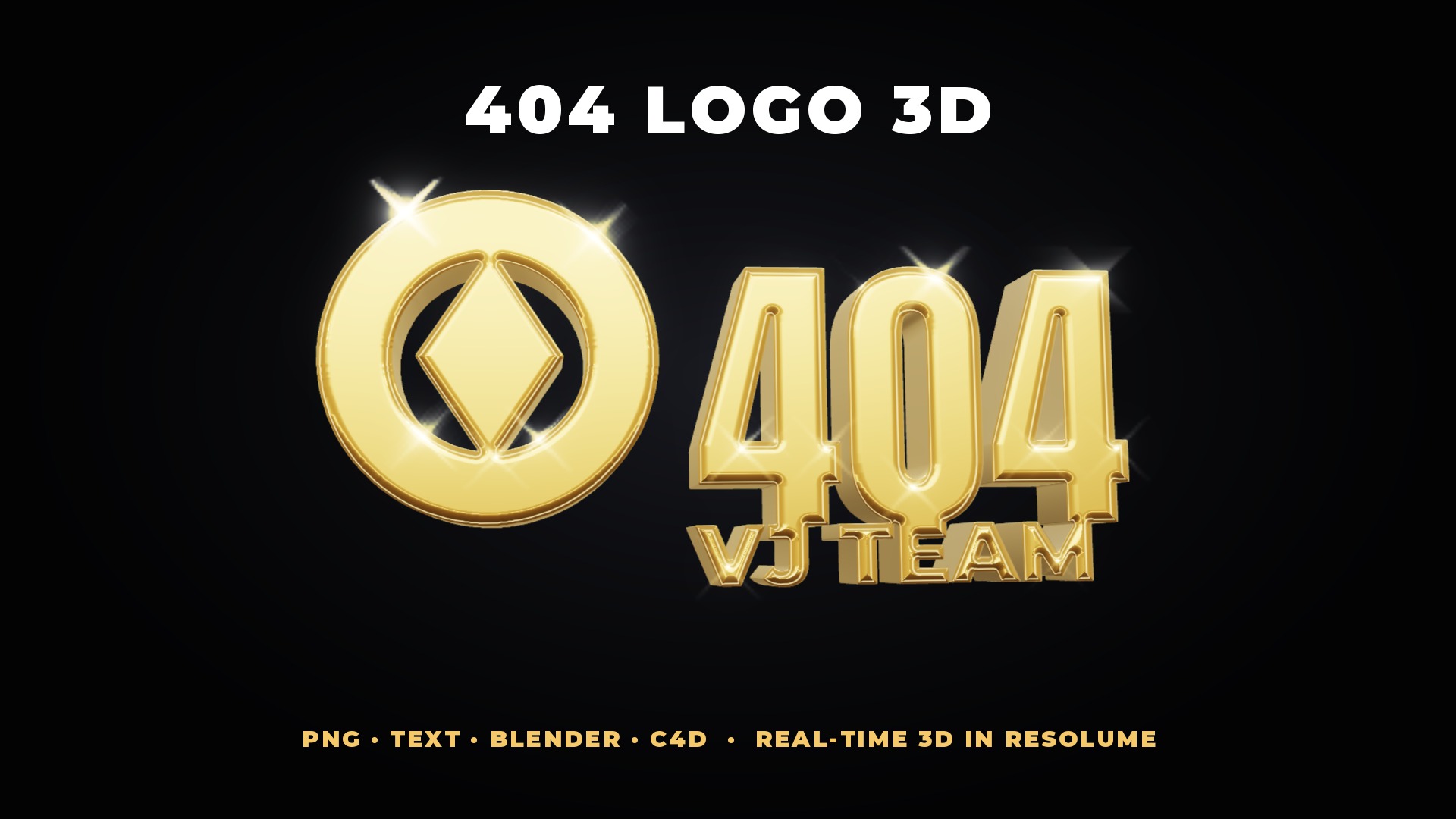 404 Logo 3D — real-time 3D logos inside Resolume
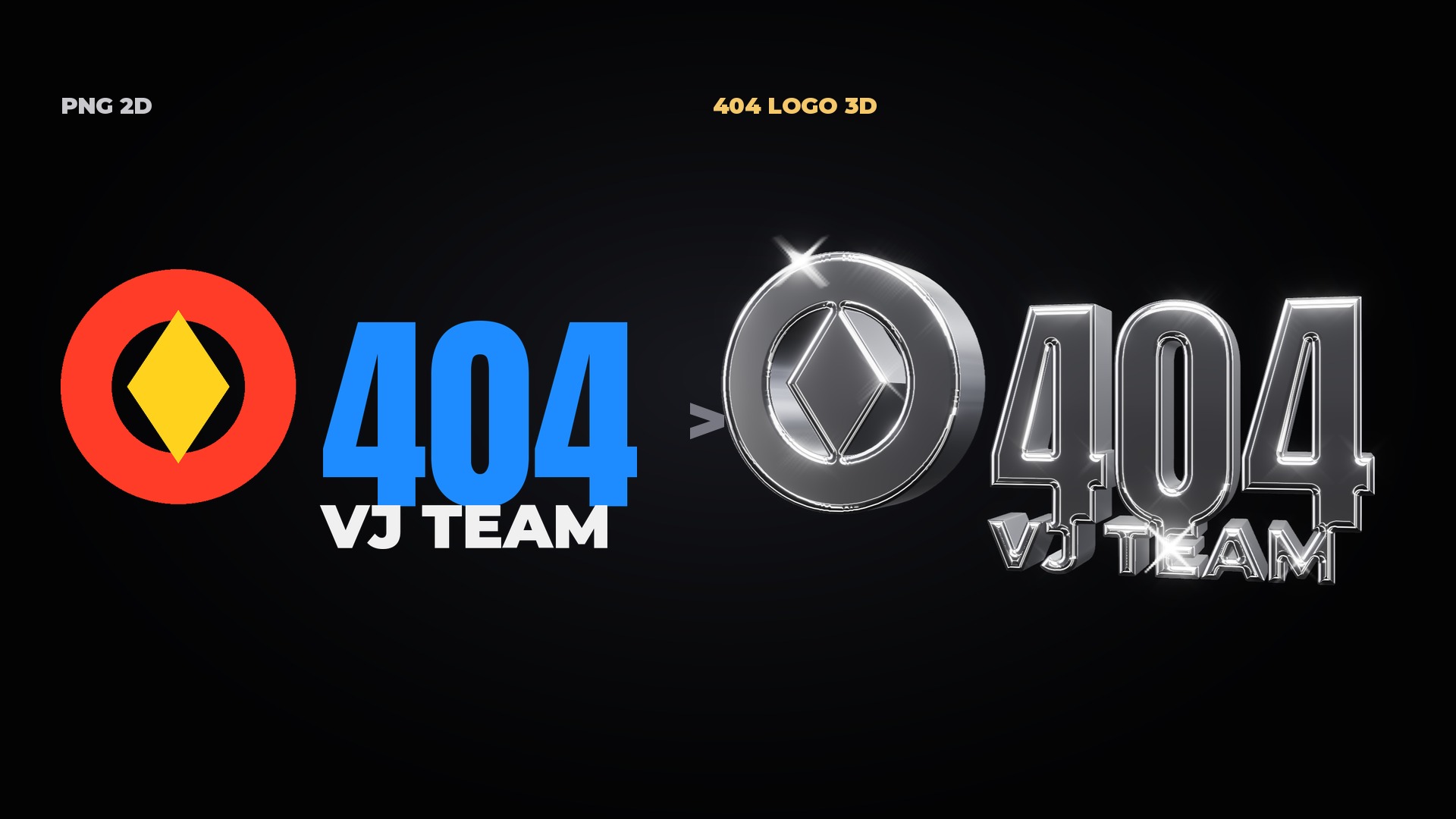 A 2D PNG logo becomes true 3D with one effect
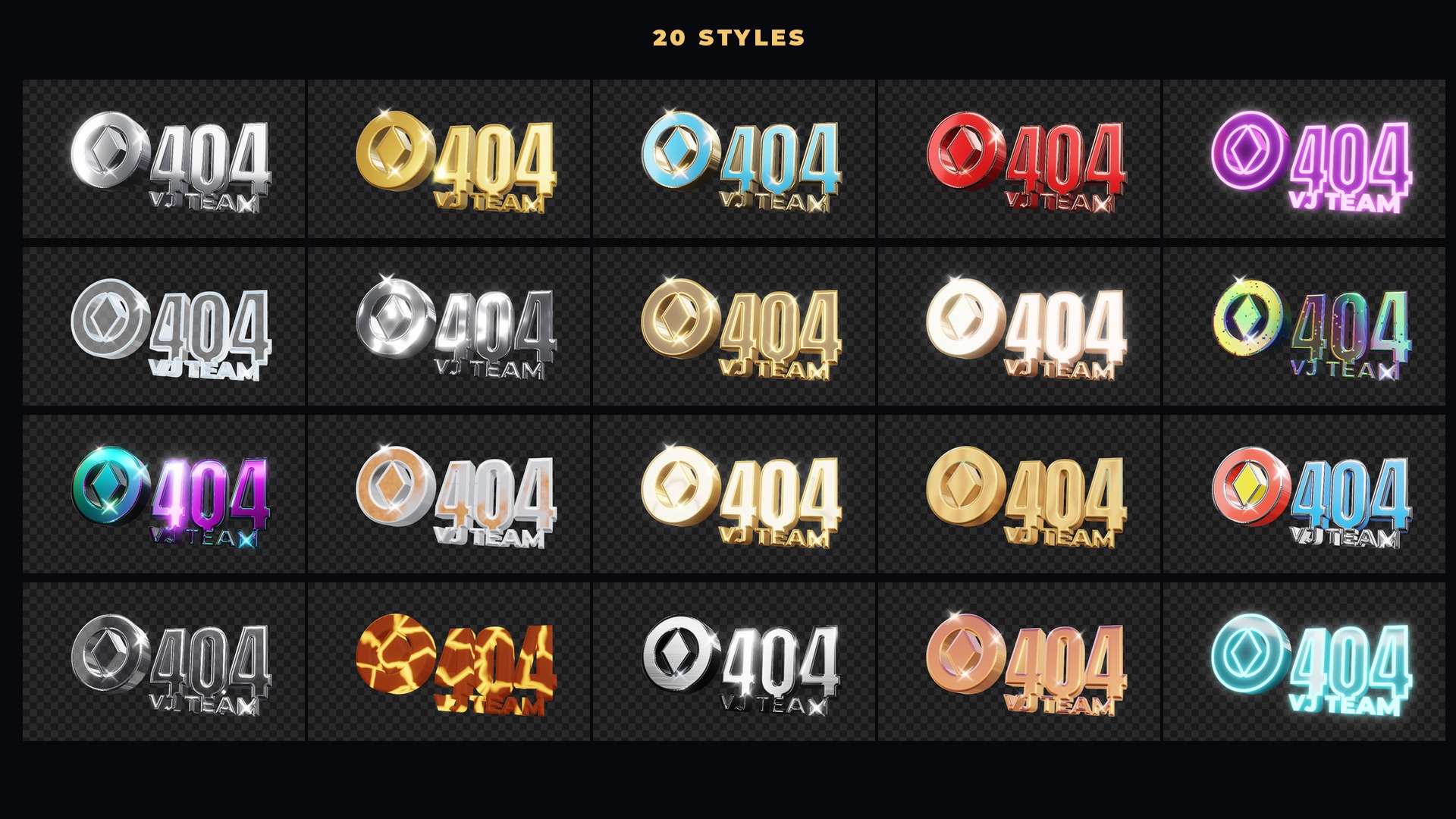 20 ready-made looks: chrome, gold, neon, ice, holographic, lava...
 3D text with Vietnamese accents, 19 fonts + your own
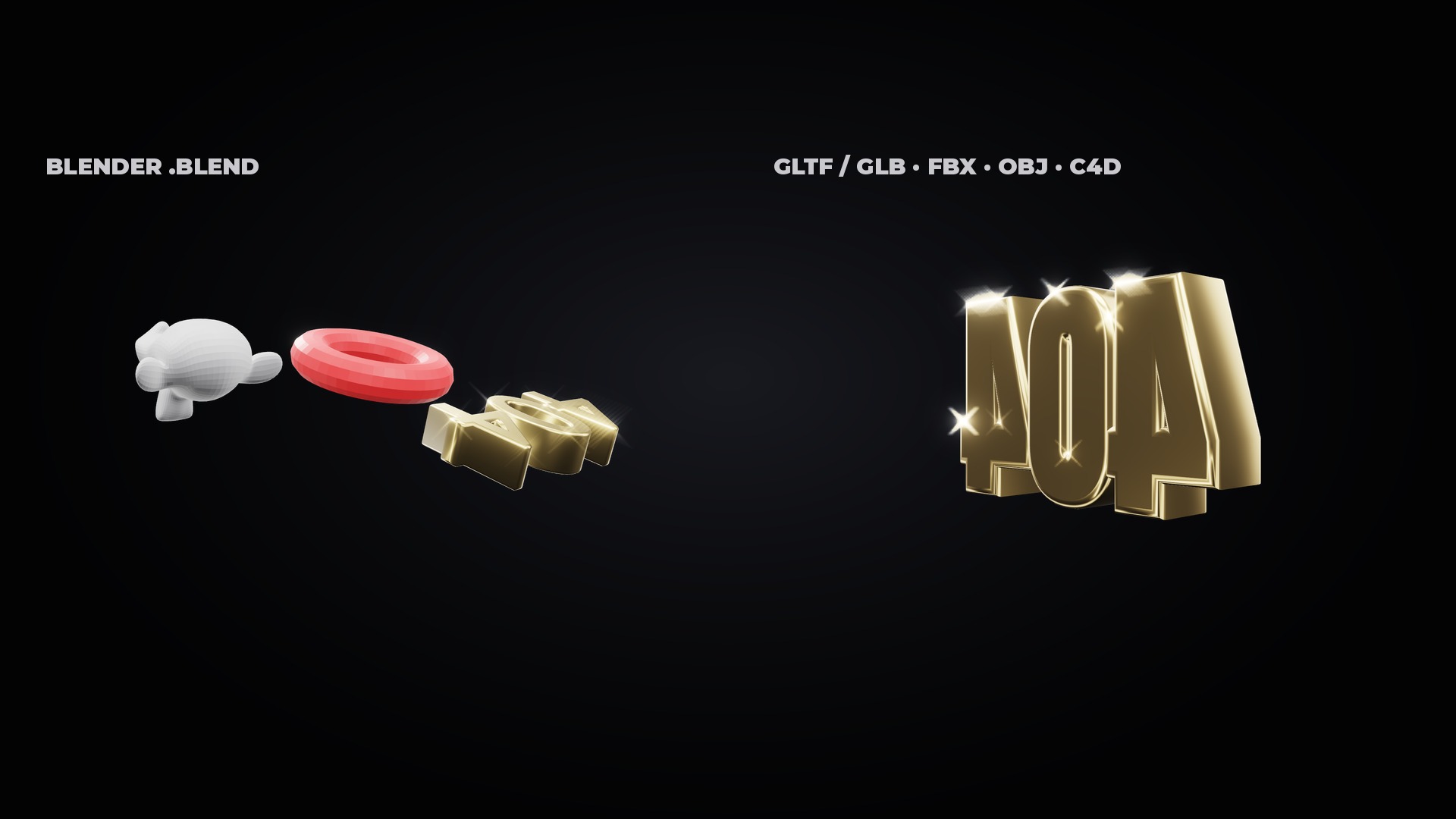 Opens Blender, Cinema 4D, FBX, glTF/GLB, OBJ... files (48 formats)
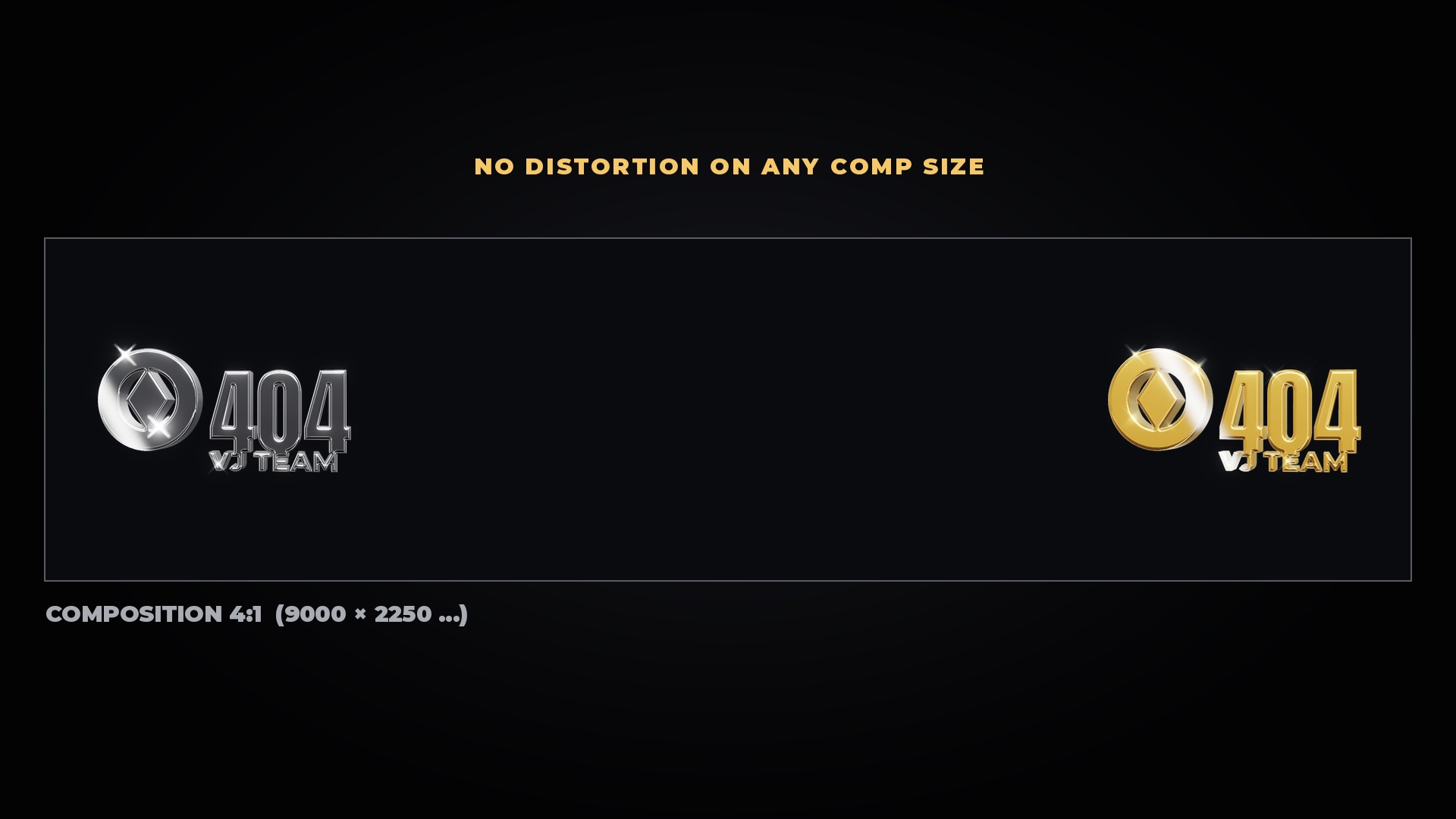 No distortion: logos keep their shape even at the edge of ultra-wide comps
Features
- PNG logo → true 3D: thickness, 5 bevel shapes, reflections, light sweep, glints
- 3D text with Vietnamese accents: 19 built-in fonts + your own .ttf/.otf, letter and line spacing
- 3D files: Blender (.blend), Cinema 4D (.c4d), FBX, glTF/GLB, OBJ, STL, PLY, DAE, 3DS… 48 formats, keeping file colours and materials
- 20 ready-made looks + 38 PBR materials for face / bevel / sides
- 11 lighting environments, key light, rim light, light sweep, environment spin
- 16 motions: Sway, Spin, Swing, Float, Tumble, Pulse, Flip, Coin Spin, Orbit Camera, Fly In… BPM sync
- Bloom, Glints, Edge Glow, Shadow, Exposure / Contrast / Saturation, transparent / clip / environment background
- No distortion: the camera faces the logo anywhere, true proportions on 9000×2250 and 16000×6000 comps
- Light on the GPU: tested in Arena 7.28 (Mac Studio, 1080p comp), 12 moving 3D logos at once still run at 60 fps; still logos render once, identical copies share a render, big comps render only the logo area
- Two plugins: 404 Logo 3D (Effects) and 404 Model 3D (Sources) — one key for both
- Free full-featured DEMO (TRIAL watermark); install the full version over it, compositions keep working
System requirements
- Resolume Arena or Avenue 7.3 or later
- macOS 10.13 or later (Intel) / macOS 11 or later (Apple Silicon), or Windows 10/11 64-bit
- Graphics card with OpenGL 4.1
- .blend files need Blender installed (free); .c4d files need Cinema 4D — or export to FBX / GLB
- Internet to activate the key or remove a computer; works offline for up to 14 days and renews itself when online
Latest version
Version 1.0.1 for Windows and macOS, released 04/11/2026.
Go to downloadsVersion history
-
v1.0.1Latest04/11/2026 · Windows, macOS
- 404 Logo 3D 1.0.1 — first release.
- Light on the GPU: tested in Resolume Arena 7.28 (Mac Studio, 1080p comp), 12 moving 3D logos at once still hold 60 fps.
- macOS: unzip, right-click "Install 404 Logo 3D.command" → Open (quit Resolume first). If macOS blocks it: System Settings → Privacy & Security → Open Anyway.
- Windows: run the Setup.exe (if SmartScreen warns: More info → Run anyway).
- In Resolume: Effects → 404 Logo 3D, Sources → 404 Model 3D.
- Activate: "License 404vj.com" group → enter Gmail + Key → press Activate. One key = one computer, 14 days offline.