404AlphaNew
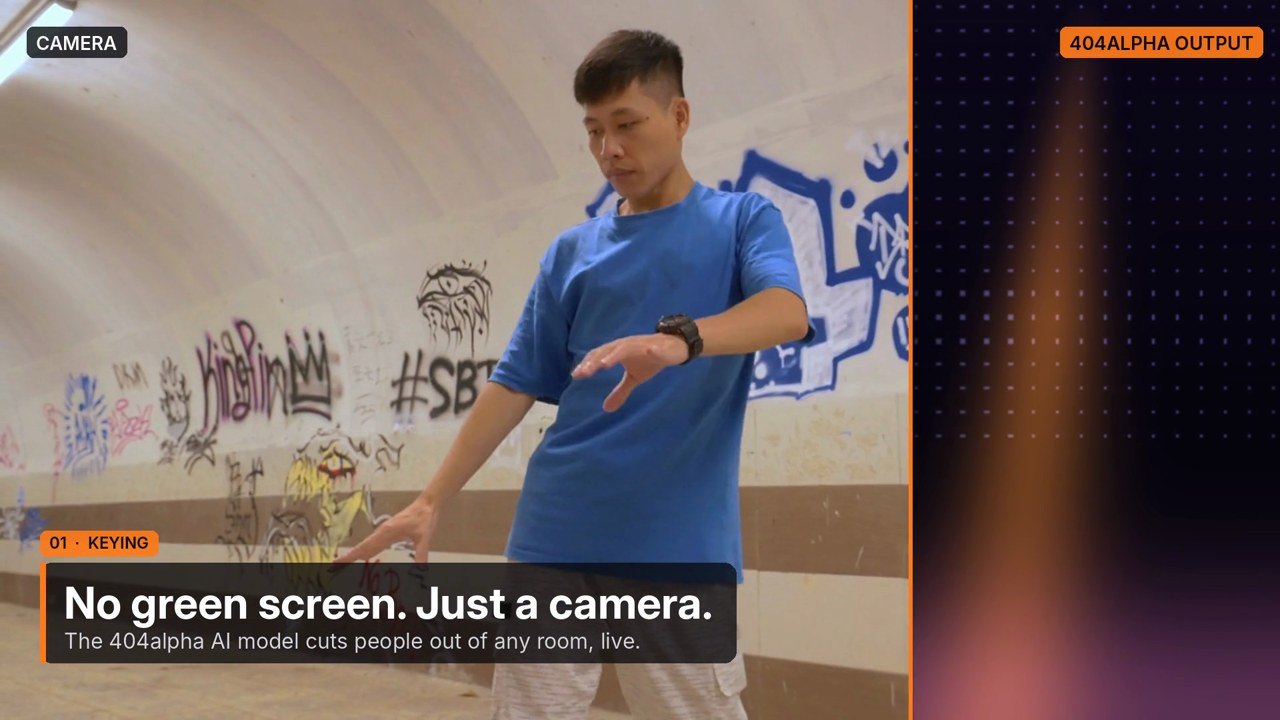
Real-time AI background removal for live shows and Resolume — no green screen
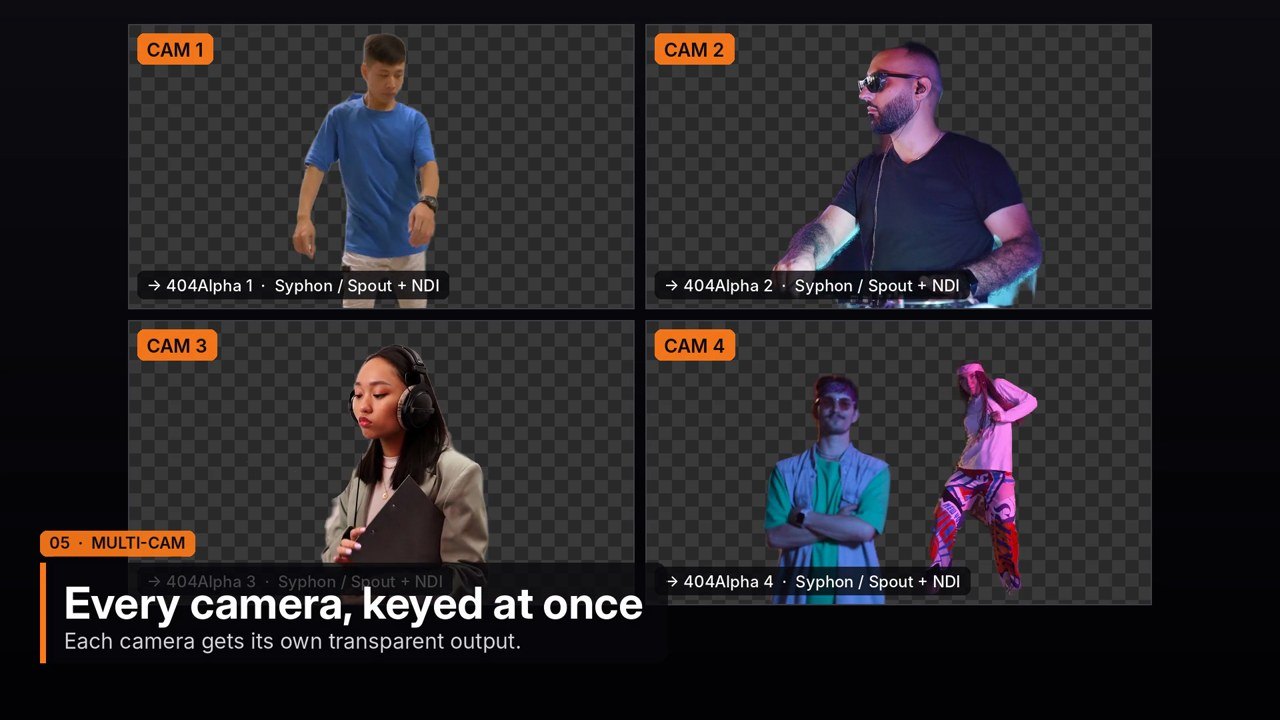
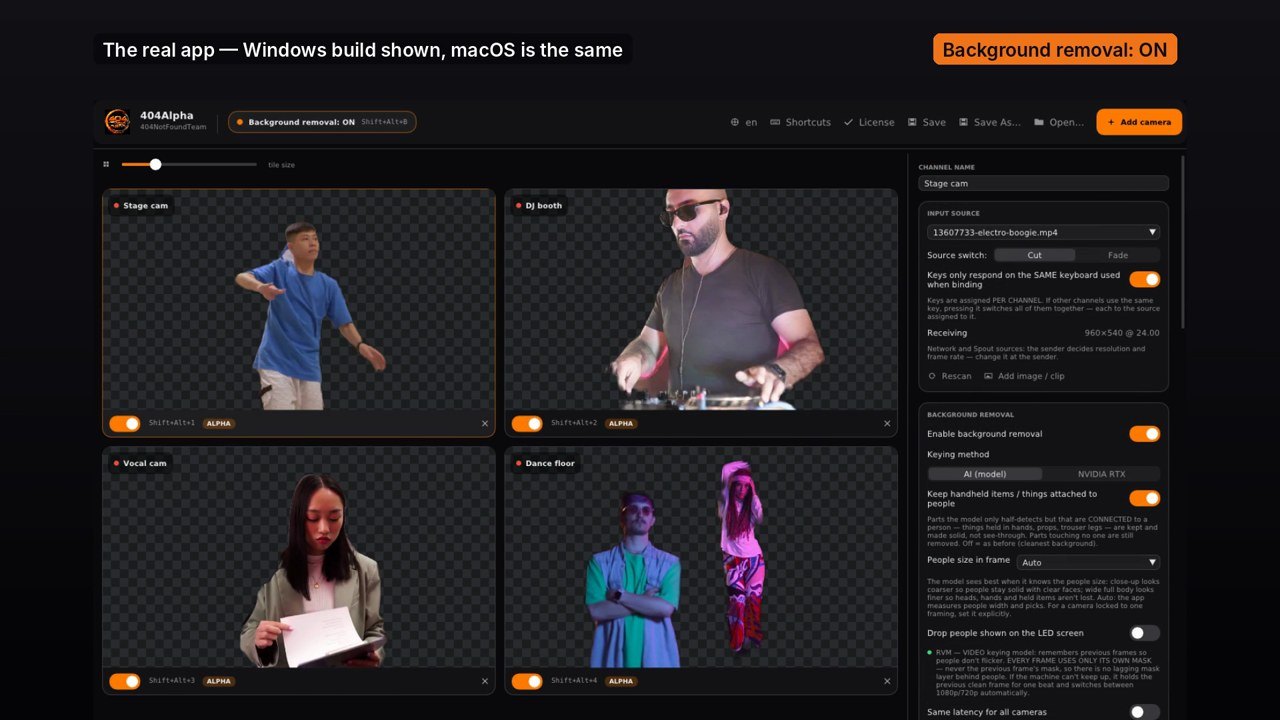
404Alpha cuts people out of any camera feed right on the show machine, with no green screen, and sends them straight into Resolume through Syphon / Spout, NDI or the 404Alpha plugin. Every camera gets its own output with a transparent background.
The 404alpha model is trained to match the FaceTime Background effect: soft hair and hands, and edges that keep the camera's own colour — layer the keyed output over the original camera and it matches, with no halo.
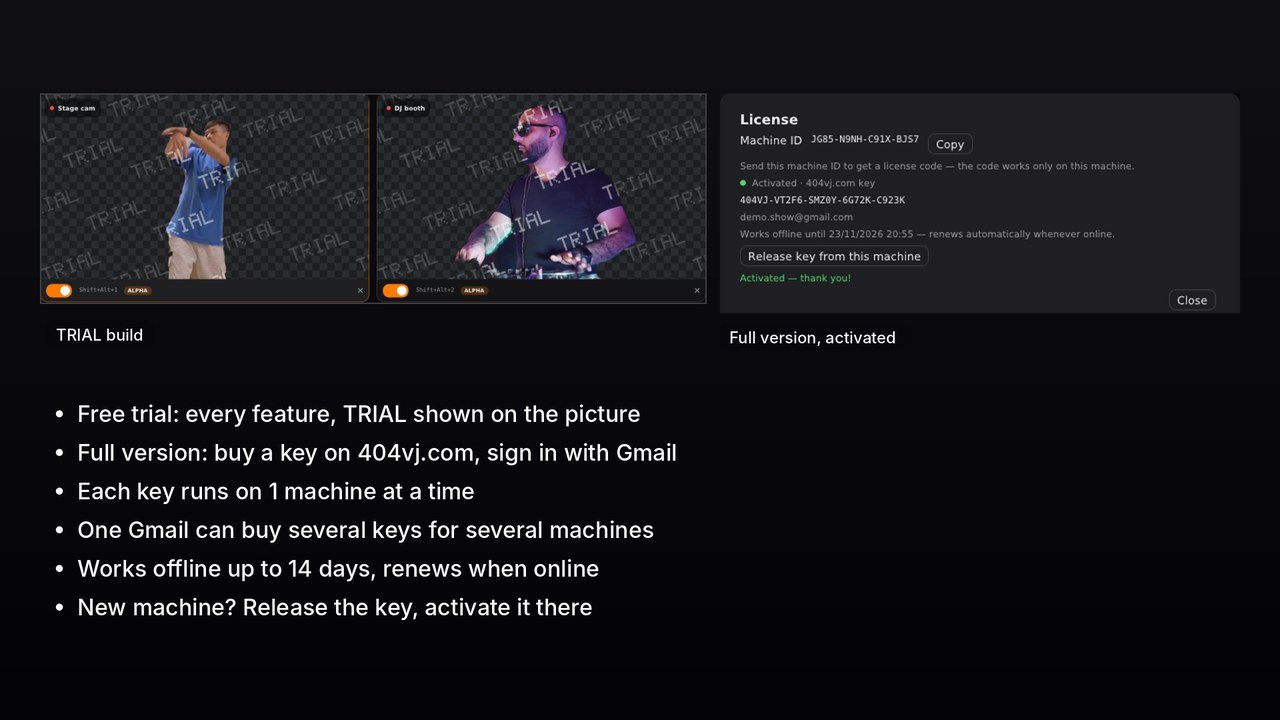
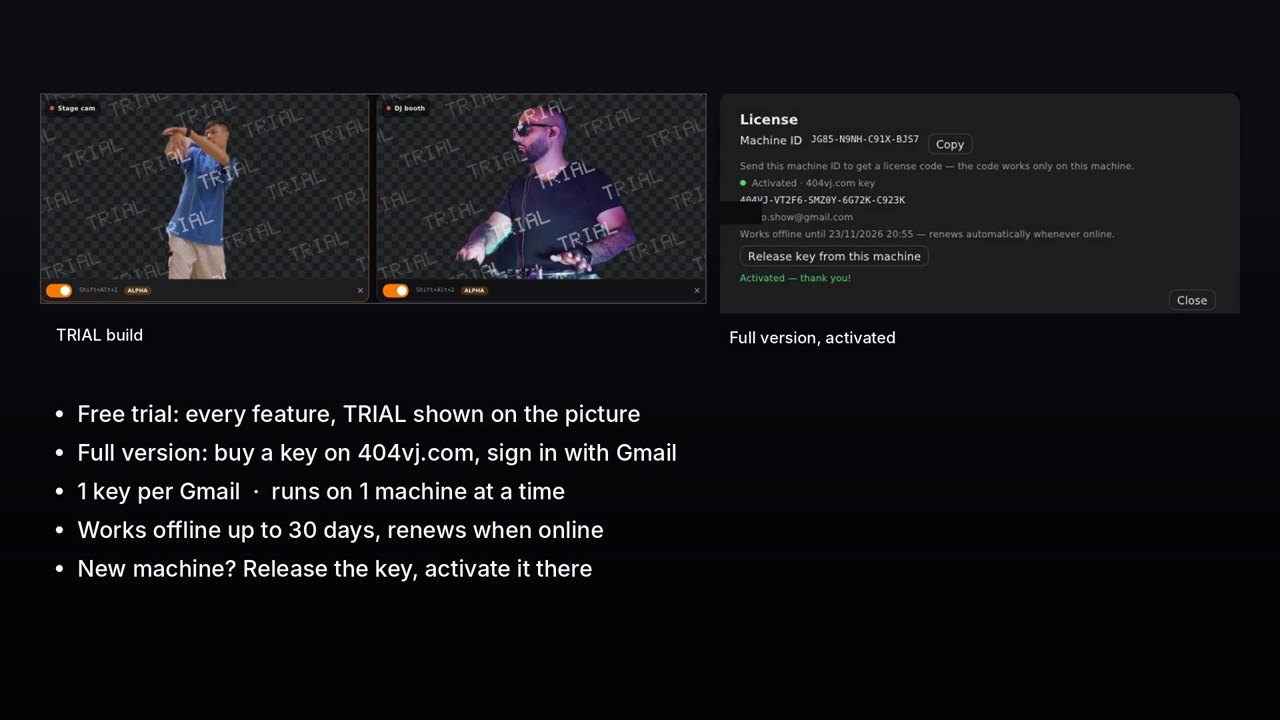
Download the free trial to try every feature (TRIAL is shown on the picture). The full version needs a paid key from 404vj.com, linked to your Gmail. Each key runs on 1 machine at a time: to switch machines, click "Release key from this machine" on the old one and enter the key on the new one. Need several machines at once? Buy more keys — one Gmail can own several keys, one per machine.
$100
One key for 1 computer. Switching computers: release the key on the old one (in the software or on your Account page), then enter it on the new one. One Gmail can buy several keys for several computers. Updates are free: download them with the Gmail you bought the key with.
Gallery 06
Features
- Real-time AI background removal, no green screen — 404alpha model
- Several cameras at once, each with its own output
- Syphon (macOS), Spout (Windows) and NDI outputs with transparent alpha
- Resolume plugin: Keyed and Original layers always on the same frame
- Clean edges, no halo when layered over the original camera
- Keeps hand-held props: mics, paper, phones, instruments
- Global hotkeys for Remove BG on / off, Cut or Fade source switching
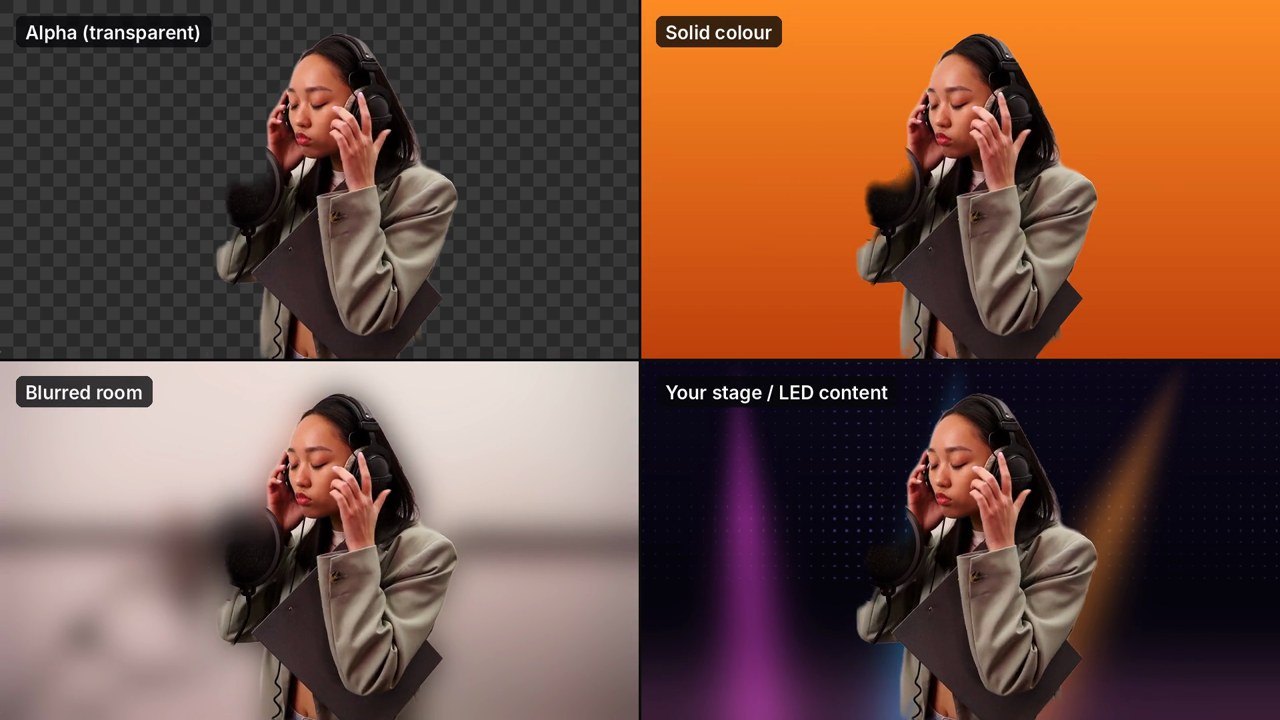
- Transparent, solid colour, blurred room or stage backgrounds
- Inputs: USB cameras, capture cards, SDI, NDI, Syphon / Spout, video files, images
- Windows: NVIDIA RTX AI Green Screen per camera
- 11 interface languages, show files open on both Mac and Windows
- Gmail-linked keys: 1 machine per key, move it with Release key; one Gmail can buy keys for several machines
System requirements
- macOS 14 Sonoma or later, Apple silicon Mac recommended
- Or Windows 10/11 64-bit with a DirectX 12 graphics card
- 16 GB RAM or more
- Resolume Arena / Avenue to use the plugin (optional)
- Internet for the first key activation, then works offline up to 14 days (renews automatically when online)
Latest version
Version 1.0.1 for macOS and Windows, released 25/10/2026.
Go to downloadsTutorials 01
Installing, activating your key and using 404Alpha
Version history
Go to downloads-
v1.0.1Latest25/10/2026 · macOS, Windows
- Bản chính 404Alpha cho macOS: cần key thanh toán trên 404vj.com, gắn với Gmail của bạn. Mỗi key chạy trên 1 máy tại một thời điểm — đổi máy: bấm "Thoát key khỏi máy này" trên máy cũ rồi nhập key ở máy mới. 1 Gmail mua được nhiều key cho nhiều máy. Chạy offline tới 14 ngày, có mạng là tự gia hạn.
- Full version for macOS: needs a paid 404vj.com key linked to your Gmail. Each key runs on 1 machine at a time — release it on the old machine to move it. One Gmail can buy several keys for several machines. Works offline up to 14 days, renews automatically when online.
- macOS 14 Sonoma trở lên (Apple silicon khuyên dùng) · Resolume Arena / Avenue (Syphon, NDI, plugin). Lần đầu mở bộ cài: nếu macOS chặn, vào Cài đặt hệ thống → Quyền riêng tư & Bảo mật → Vẫn mở. / First launch: if macOS blocks the installer, open System Settings → Privacy & Security → Open Anyway.