404 Backup FlowNew
Machine 2 mirrors machine 1 in Resolume Arena instantly, over Thunderbolt, LAN and Wi‑Fi at once — if machine 1 fails, switch to machine 2
404 Backup Flow is a desktop app (macOS + Windows) that links your main show computer (machine 1) to a backup (machine 2), both running Resolume Arena. Everything you do on machine 1 happens on machine 2 at once: clip and column triggers, adding or removing layers, columns, decks, groups and effects, every parameter, every on/off, clip selection and clip playheads. Both outputs stay identical: if machine 1 fails, switch to machine 2 and the picture stays the same.
Thunderbolt, LAN and Wi‑Fi work together: the app sends on every path, so a pulled cable never stops it. After a sudden disconnect machine 2 keeps its picture; on reconnect it goes straight to machine 1's last action.
Machine 2 doesn't need the app: turn on Resolume's webserver there and machine 1 finds it and drives it directly. One key for machine 1, machine 2 needs no key.
$30
One key for 1 computer. Switching computers: release the key on the old one (in the software or on your Account page), then enter it on the new one. One Gmail can buy several keys for several computers. Updates are free: download them with the Gmail you bought the key with.
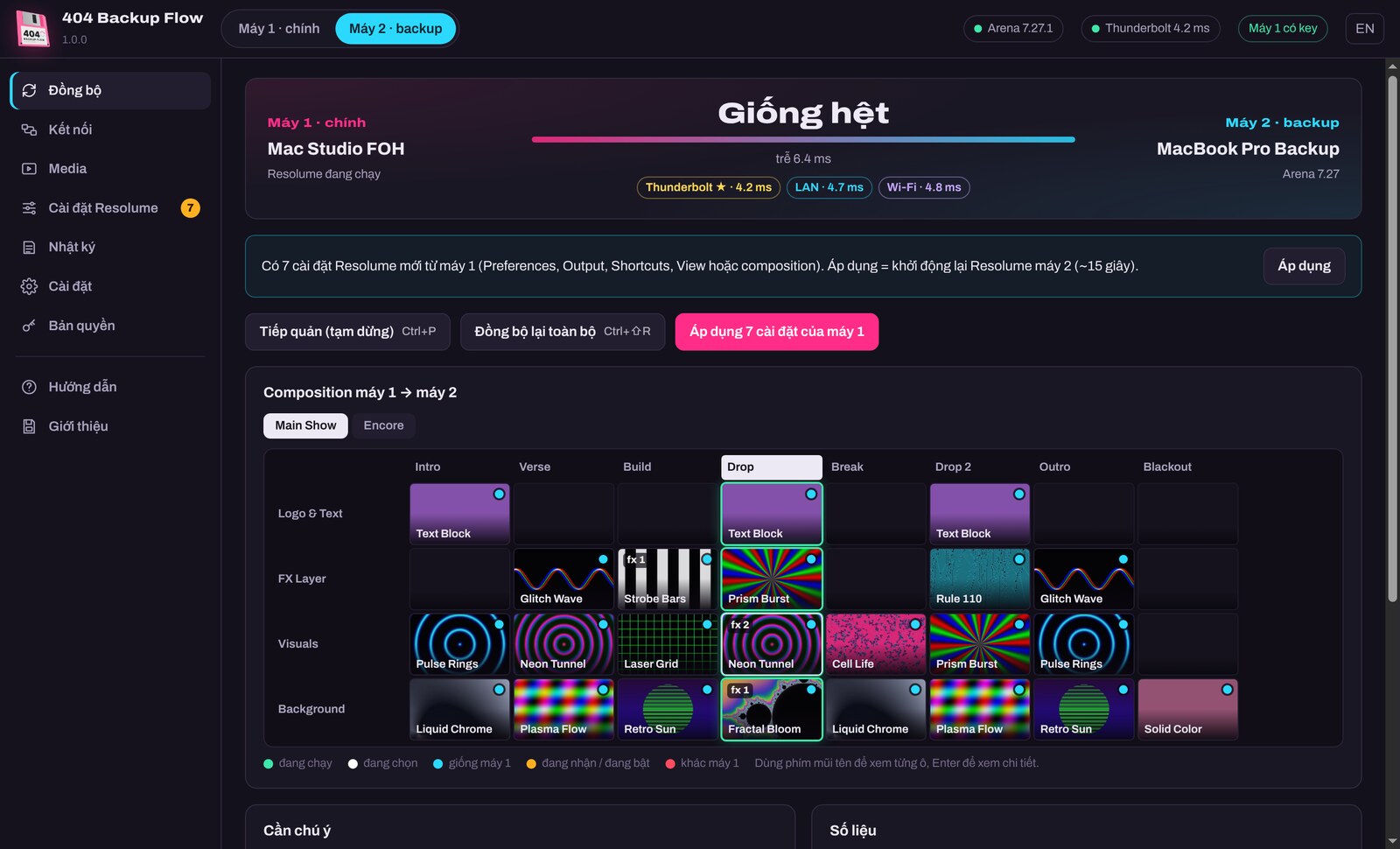
Gallery 06
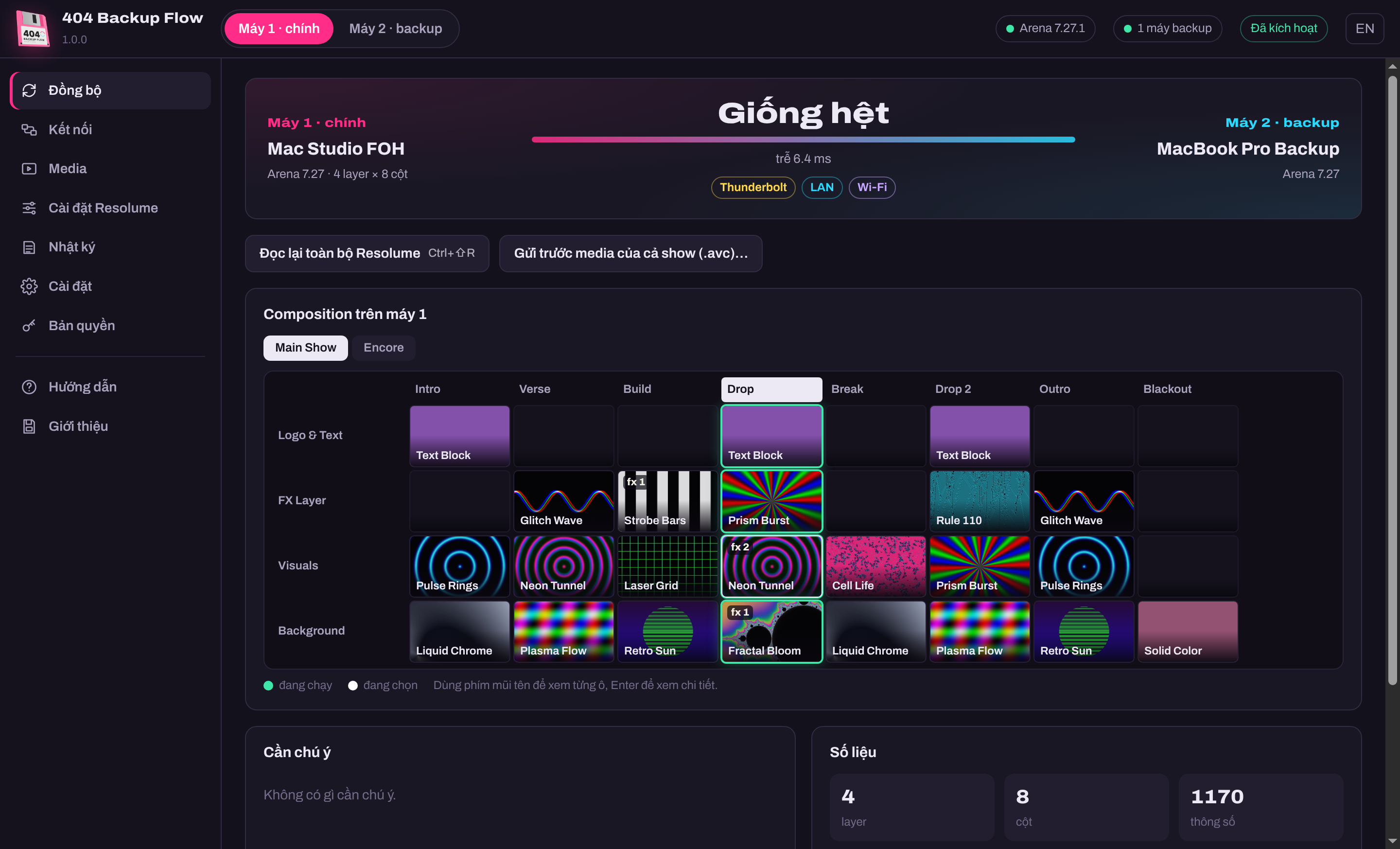 Machine 1: the running composition, machine 2 identical
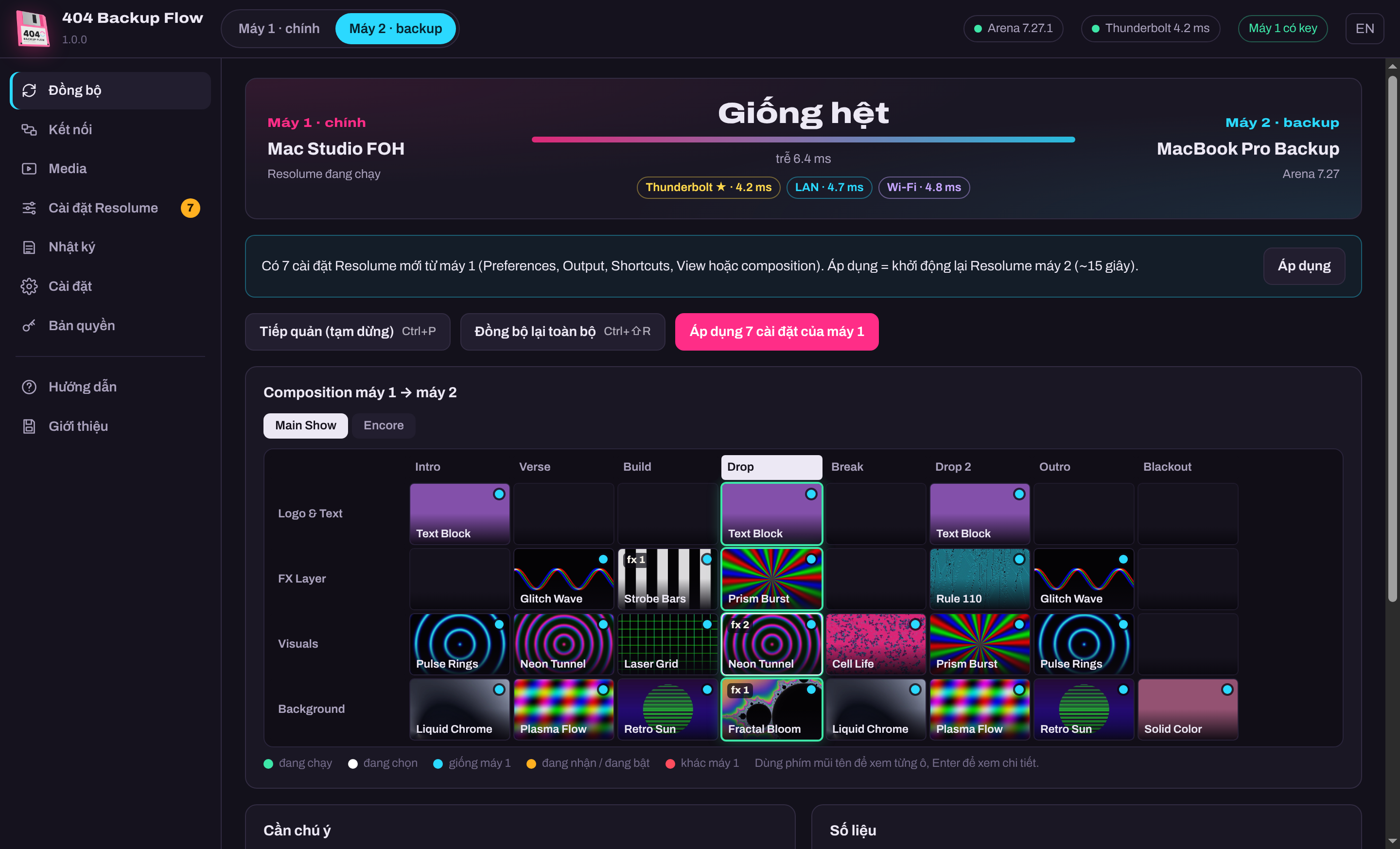 Machine 2: every slot like machine 1, a few milliseconds behind
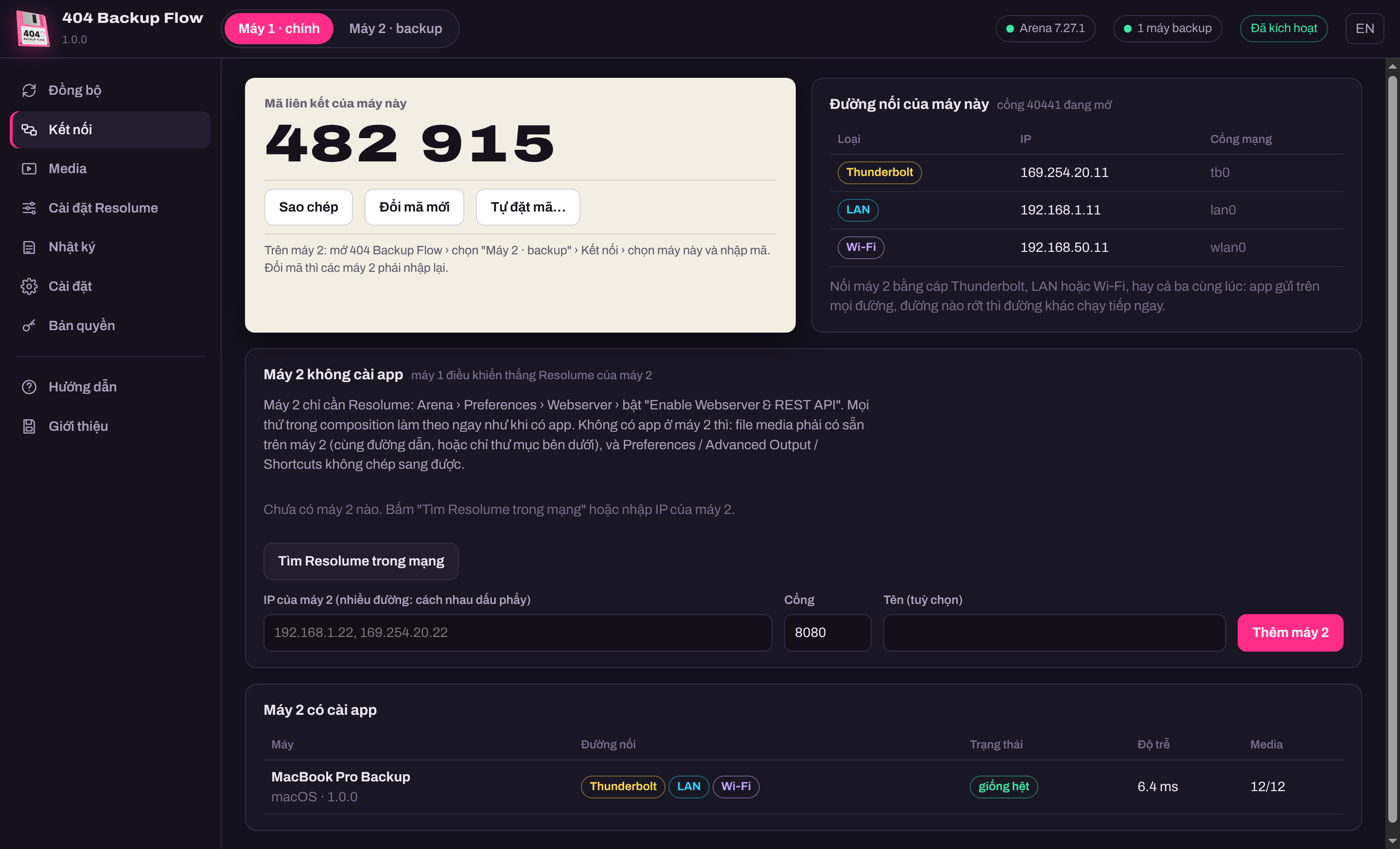 Thunderbolt, LAN and Wi‑Fi at once
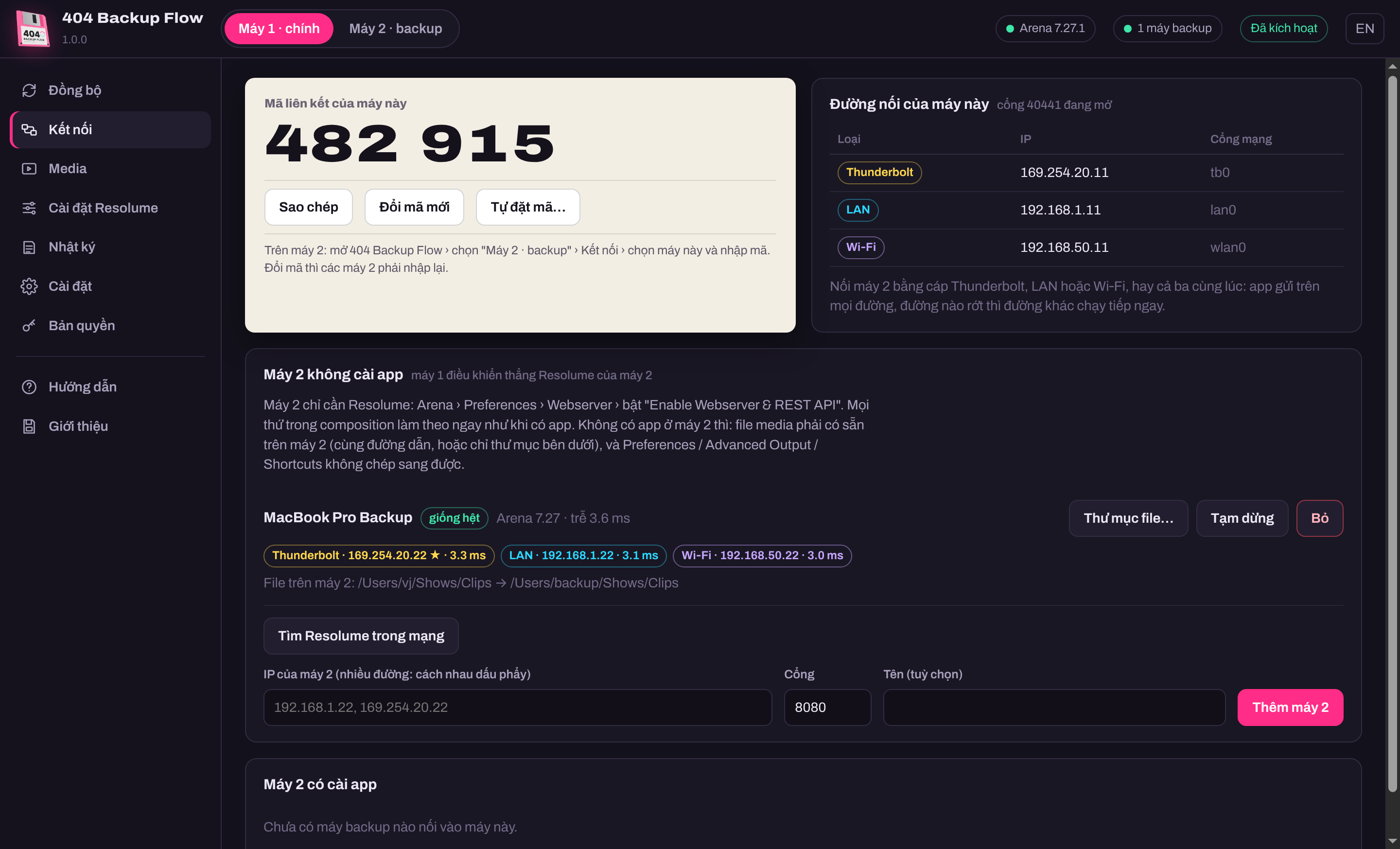 Machine 2 without the app: machine 1 drives its Resolume directly
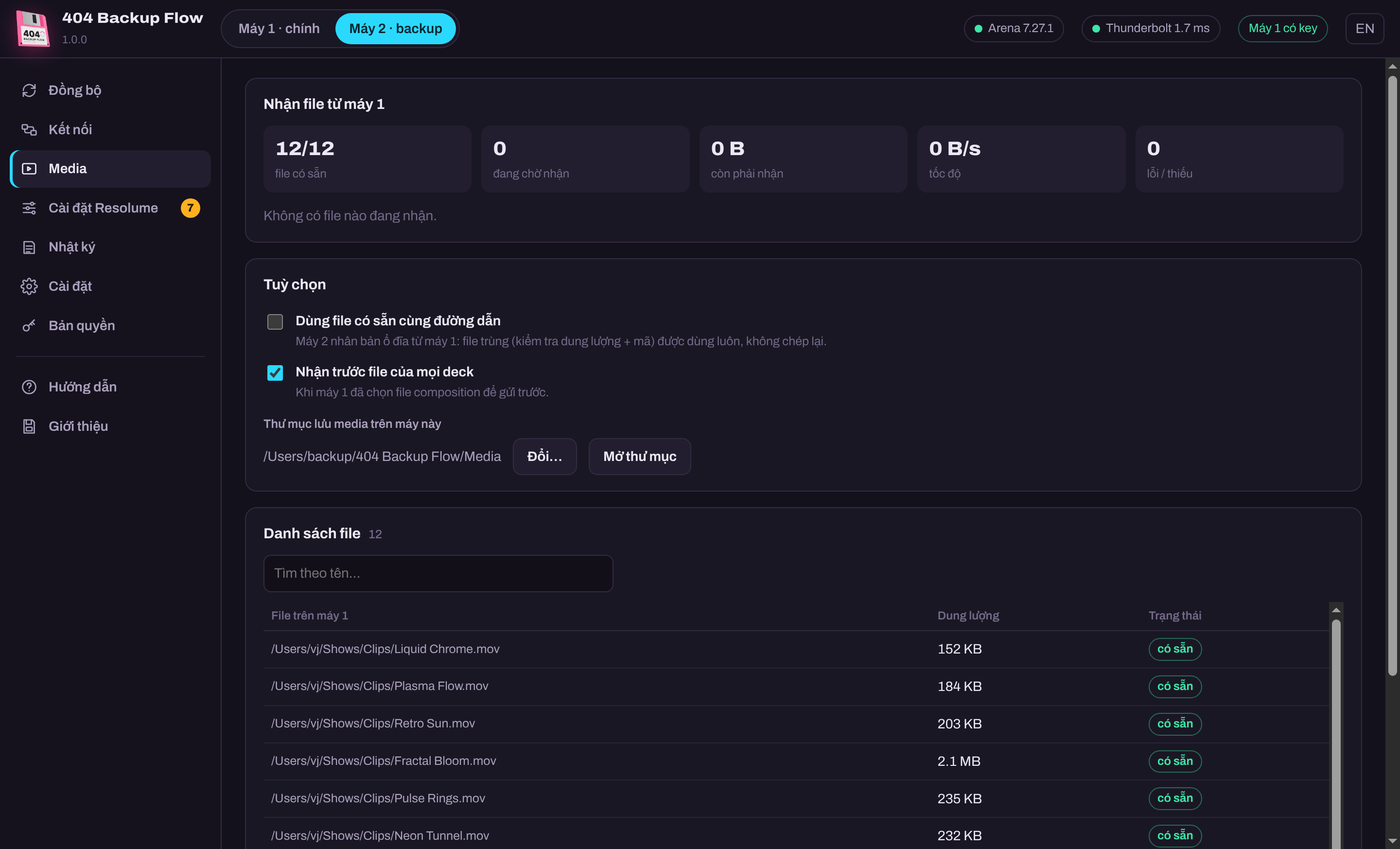 Media files copied to machine 2
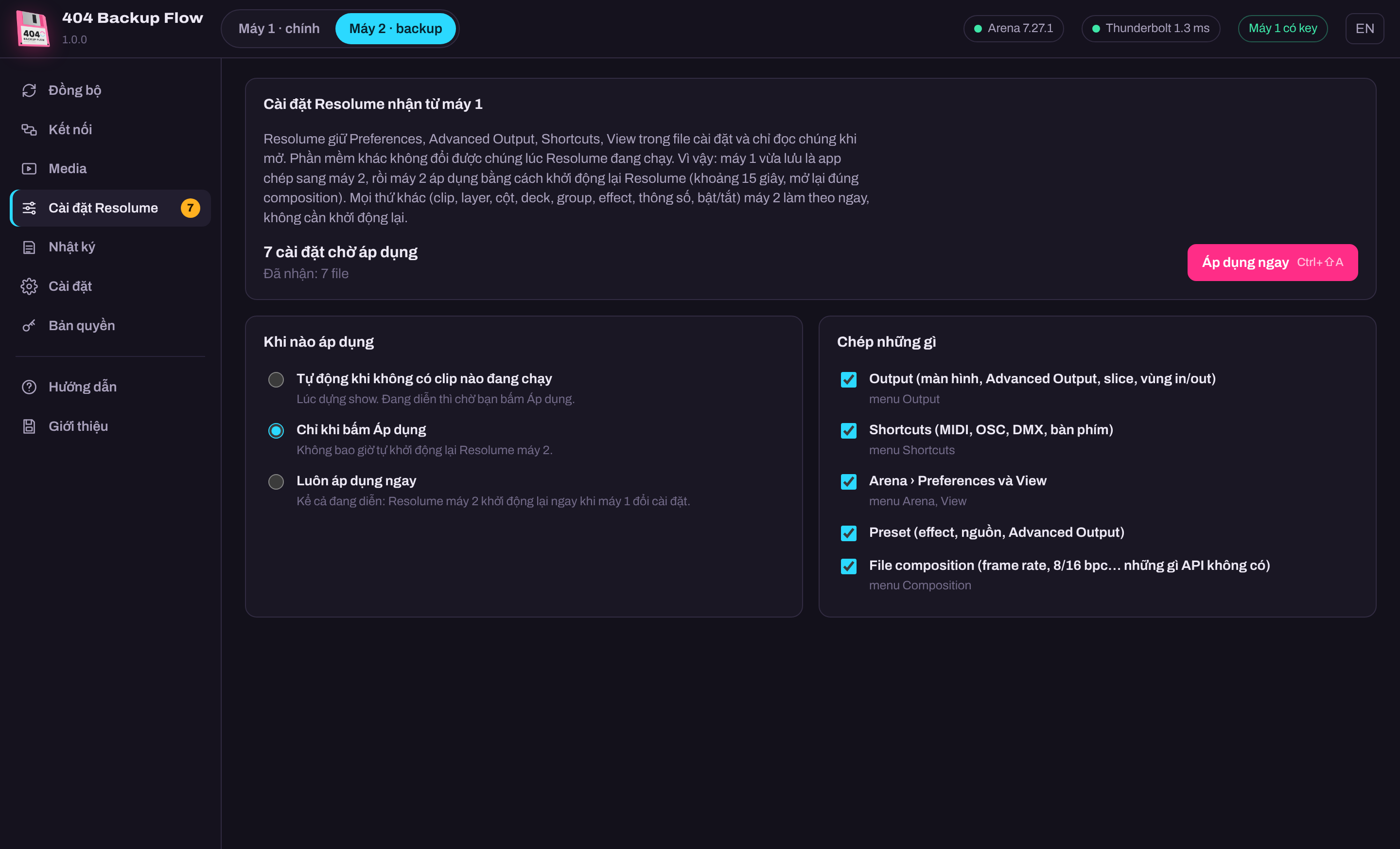 Resolume settings (Output, Shortcuts, Preferences) copied to machine 2
Features
- Machine 2 does exactly what machine 1 does: clips, columns, layers, decks, groups, effects, every parameter, every on/off, clip selection, clip playheads
- Thunderbolt + LAN + Wi‑Fi at once: sends on every path, a pulled cable never stops it
- Sudden disconnect: machine 2 keeps its picture and goes to the last action on reconnect
- Media files copied to machine 2 automatically (size + checksum checked), resumed after a dropped link; a whole show's media can be sent ahead (.avc)
- Resolume settings: Preferences, Output (Advanced Output, slices, input/output maps), Shortcuts (MIDI, OSC, DMX, keyboard), View, presets, composition — saved on machine 1, received by machine 2, applied when you choose
- If someone operates machine 2 while the link is down, the app pauses and asks instead of overwriting
- Machine 2 without the app: machine 1 finds machine 2's Resolume on the network and drives it directly
- Live composition grid: see every slot of machine 2 match machine 1, and the delay of every link
- 1 key for machine 1, machine 2 needs no key
- Vietnamese / English interface, full mouse and keyboard control
System requirements
- macOS 13 or later (Apple Silicon or Intel) or Windows 10 / 11 64-bit
- Resolume Arena 7 on both machines with Arena › Preferences › Webserver › Enable Webserver & REST API on (port 8080)
- The two machines linked by Thunderbolt, LAN or Wi‑Fi (ports 40441 TCP + 40442 UDP)
- Machine 2 without the app: media must already be on machine 2; Preferences / Advanced Output / Shortcuts are only copied when machine 2 runs the app
- Internet to activate a key or remove a computer; shows run offline up to 14 days, renewed when online
Latest version
Version 1.0.0 for Windows and macOS, released 01/11/2026.
Go to downloadsVersion history
-
v1.0.0Latest01/11/2026 · Windows, macOS
- Version 1.0.0 — first release.
- macOS: unzip the file (AppleSilicon for M1 / M2 / M3 / M4 Macs, Intel for Intel Macs), right-click "Cai dat 404 Backup Flow.command" → Open. The script copies the app to Applications. The first time, macOS asks for Local Network access: click Allow.
- Windows: run the Setup.exe (Windows 10 / 11 64-bit).
- In Resolume on both machines: Arena › Preferences › Webserver › turn on Enable Webserver & REST API.
- Activate: open the app on machine 1 → Licence → enter the Gmail you bought with + the key. Machine 2 needs no key.