404 TimeCodeNew
Run your show on timecode: receive LTC/SMPTE and fire Resolume cues frame-accurately
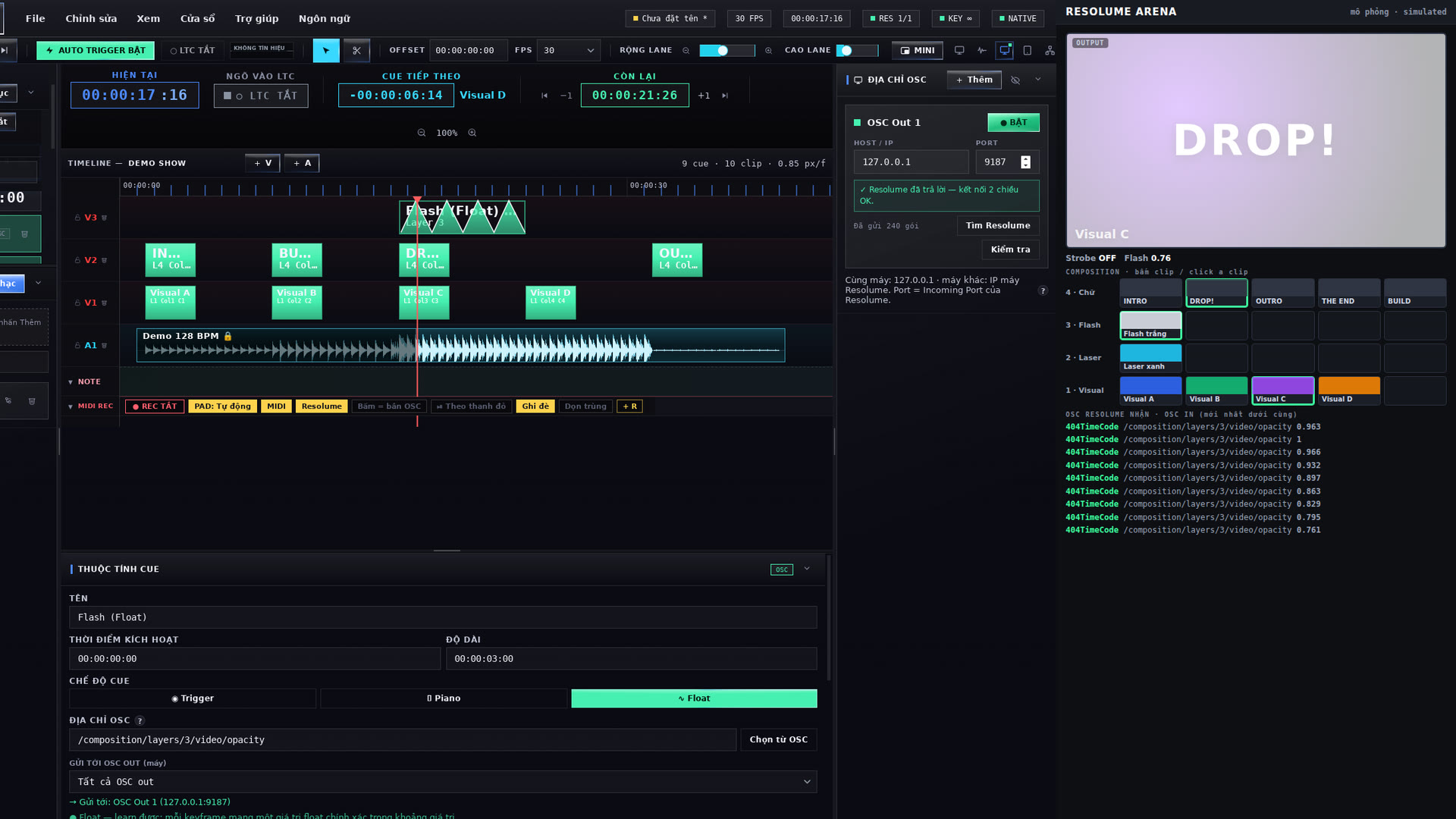
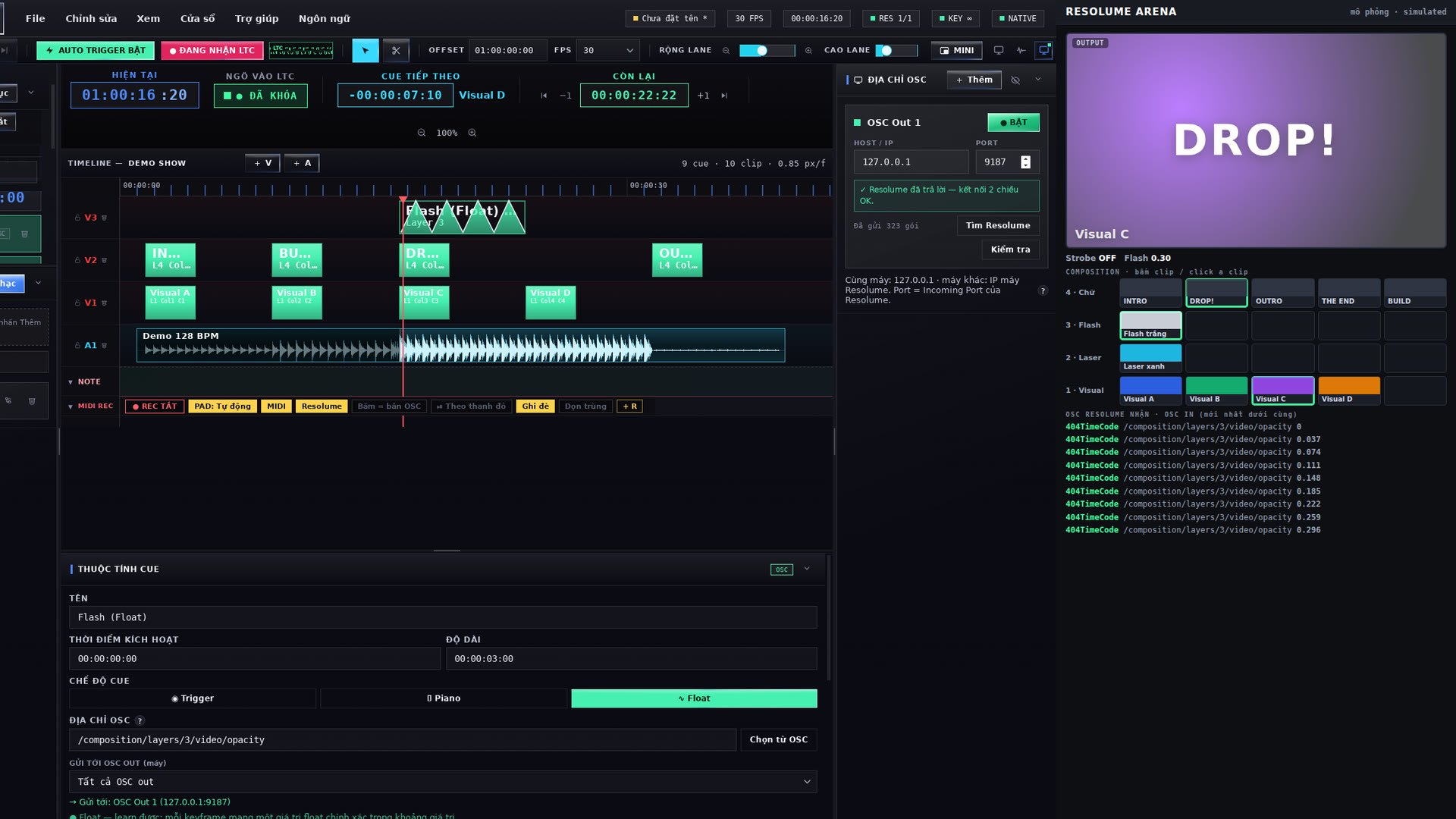
404TimeCode is a timecode show controller for Resolume Arena / Avenue. It receives LTC/SMPTE from the audio desk, the playback rig or any audio interface (pick the input and the channel) and sends OSC commands to Resolume along the timeline you build in advance — clips, columns, layers, effects, faders — frame-accurately. Without LTC it runs its own timecode clock and plays your music along.
Build the show like a film edit: a Premiere-style timeline with video, music and note lanes; drag, cut, copy, undo; one folder per song with its own timecode OFFSET. Learn OSC addresses straight from Resolume, record your MIDI controller (MIDI REC) or the beats and accents from 404BPM as cues, shape faders with keyframes. On show day: a Web Remote on your phone / iPad, an always-on-top MINI window, Backup across 2–3 computers on the LAN, and autosave through crashes or power cuts.
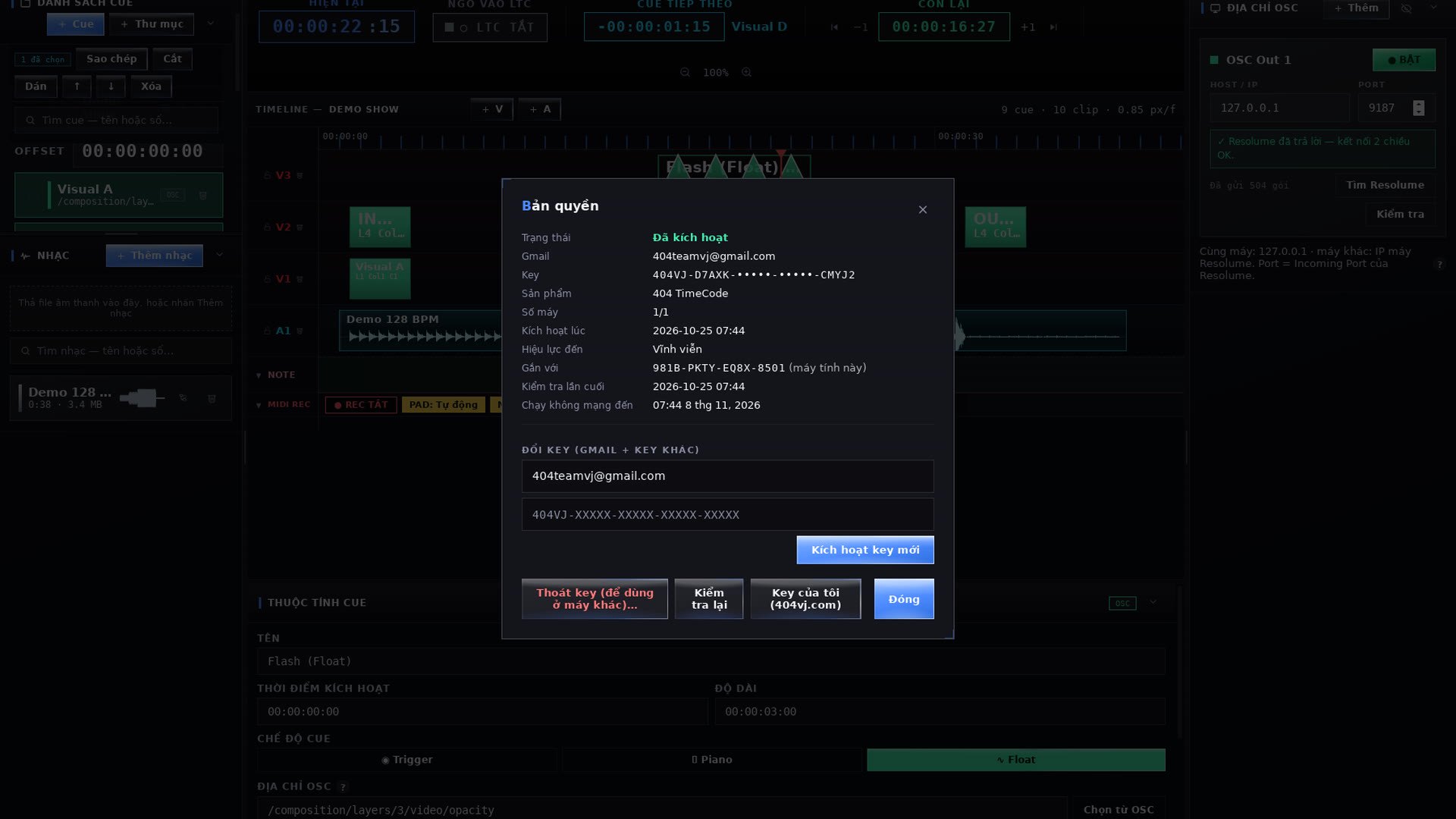
Licensing works like Resolume: buy a key on 404vj.com with your Gmail; one key runs on one computer — to move it, press “Sign out” on the old computer and enter the key on the new one. One Gmail can buy several keys for several computers. The free TRIAL has every feature with TRIAL on the screen; it cannot save shows and sends to Resolume for 15 minutes each time it is opened — buy a key, enter your Gmail + key and it unlocks right away.
$100
One key for 1 computer. Switching computers: release the key on the old one (in the software or on your Account page), then enter it on the new one. One Gmail can buy several keys for several computers. Updates are free: download them with the Gmail you bought the key with.
Gallery 02
Features
- LTC/SMPTE receiver at 24 / 25 / 29.97 DF / 30 fps from any audio interface, channel select, latency compensation — LOCKED / NO SIGNAL status and the live LTC waveform
- Premiere-style timeline: video, music and note lanes; drag, cut, copy, undo; folders with their own timecode OFFSET
- Trigger / Piano / Float cues to Resolume over OSC: clips, columns, layers, groups, effects, faders with keyframes
- Learn OSC addresses straight from Resolume and read Resolume’s shortcut maps; several OSC outputs (several Resolume machines)
- MIDI REC: record your MIDI controller (pads, faders, knobs) as cues on the timeline and play them back exactly
- 404BPM link: the song’s beats and accents become cues (REC from 404BPM)
- Long clips follow the red playhead (FOLLOW): LTC stops, the Resolume clip stops; seek and the clip jumps with it
- Web Remote for phone / iPad at 404timecode.local and an always-on-top MINI window
- Backup across 2–3 computers on the LAN: a standby takes over when the main one fails; autosave through crashes and power cuts
- Smooth with 4,000-cue shows; 11 languages (English, Tiếng Việt, 日本語, 한국어, 中文…)
- Gmail key like Resolume: 1 key = 1 computer, “Sign out” to move it; free TRIAL, a key unlocks it
System requirements
- macOS 11 or later (Apple Silicon: M1 or later) or Windows 10/11 64-bit
- Resolume Arena / Avenue 7 with OSC Input on (turn on “Output all OSC messages” to learn addresses)
- An audio interface input when running on LTC (no LTC: the app runs its own clock)
- Internet to activate the key; then it runs offline (online at least once every 14 days)
Latest version
Version 2.5.6 for macOS and Windows, released 25/10/2026.
Go to downloadsVersion history
Go to downloads-
v2.5.6Latest25/10/2026 · macOS, Windows
- Bản chính 404TimeCode 2.5.6 — cần key mua trên 404vj.com: key theo Gmail, 1 key = 1 máy (bấm “Thoát key” ở máy cũ để chuyển sang máy khác), 1 Gmail mua được nhiều key cho nhiều máy. Chưa mua thì tải bản dùng thử (TRIAL).
- Mới trong 2.5.6:
- • Kích hoạt bằng Gmail + key của 404vj.com; chạy không cần mạng tới 14 ngày (báo trước 3 ngày, có nút Kiểm tra lại). Key cũ (404TC-… / Google Sheet) không dùng được nữa.
- • Cue tốc độ (speed) theo đúng đường cong của Resolume: 1× là 1×.
- • Cue tạo bằng chuột phải: lần bấm kế tiếp trên timeline không còn bị “nuốt”.
- • FOLLOW giữ đúng “Ignore Column Trigger” của Resolume.
- • Windows: mở cửa sổ MINI không còn treo app.
- • Nhạc trên timeline: mở hụt lần đầu thì tự mở lại.
- • File show, OSC, REC, 404BPM, Backup, Web Remote, MINI giữ nguyên như 2.5.5.
- Yêu cầu: macOS 11+ trên Mac Apple Silicon (M1 trở lên — bản macOS không chạy trên Mac Intel) hoặc Windows 10/11 64-bit. Mac: lần đầu mở bấm chuột phải ▸ Open.